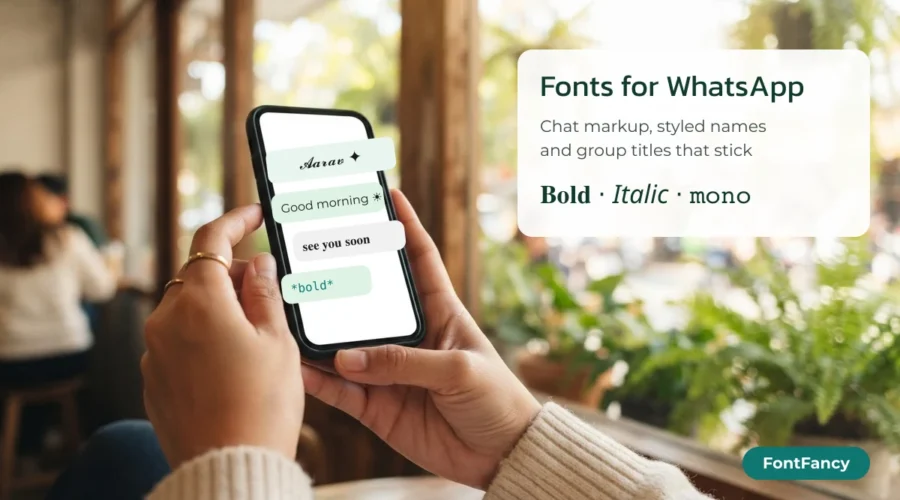
WhatsApp has no font menu, but you can still change how text looks. In messages, wrap words in markup such as *bold* or _italic_. In your profile name, About line and group names, markup does nothing, so paste Unicode styles instead — like the ones in the box above.
This guide sorts out which trick belongs where, shows what a 25-character name field means once styled letters are involved, and gives you greetings, About lines, kaomoji and group names to copy. Every style in the box comes from the shared FontFancy generator, trimmed to the looks that suit WhatsApp. The rules here differ from Instagram and TikTok, where the bio itself is the main place for styled text.
Which WhatsApp field accepts what
Text formatting in WhatsApp is a message feature. The Help Center article on formatting describes it for messages only, so the practical rule is simple: markup for chats, Unicode styles for everything that is a name or a profile line.
| Where you type | Markup (*bold*) | Unicode style (𝐛𝐨𝐥𝐝) | Best choice |
|---|---|---|---|
| Chat message or reply | Yes | Yes | Markup — it keeps normal letters |
| Profile name | No — symbols show as typed | Yes | Unicode style, kept short |
| About line | No | Yes | Unicode style plus one emoji |
| Group name | No | Yes | Unicode style for one word, plain text for the rest |
The eight markup codes for messages
WhatsApp messages support eight formats. Four are the long-standing ones — bold, italic, strikethrough and monospace — and four more (bulleted lists, numbered lists, quotes and inline code) were added in a rollout announced on 21 February 2024 for Android, iOS, web and Mac.
| Format | Type this | Notes |
|---|---|---|
| Bold | *text* | Asterisks on both sides, no space inside |
| Italic | _text_ | Underscores on both sides |
| Strikethrough | ~text~ | Tildes on both sides |
| Monospace | ```text``` | Three backticks on each side |
| Inline code | `text` | One backtick on each side |
| Bulleted list | - text | Hyphen and a space at the start of the line |
| Numbered list | 1. text | Number, full stop, space |
| Quote | > text | Greater-than sign and a space |
You can also select a word while typing and choose the format from the pop-up menu instead of remembering the symbols. If you want the crossed-out or typewriter look somewhere markup is not available — a group name, say — the strikethrough text and monospace text styles do the same job with Unicode characters. Discord uses a different set of codes again, which we compare in Discord fonts.
Markup or Unicode: what happens in chat search
Markup keeps the underlying letters untouched, so a message written as *meeting at 5* still contains the plain word “meeting” and turns up when someone searches the chat for it. A Unicode style replaces each letter with a different character: 𝐦𝐞𝐞𝐭𝐢𝐧𝐠 is seven characters that are not the letters m-e-e-t-i-n-g.
Whether a search still finds it depends on whether the app folds styled letters back to plain ones, which WhatsApp does not document. So use markup for anything people may need to look up later — addresses, times, order numbers — and keep Unicode styles for names and decoration. The reason styled letters can behave differently in search is explained in our bold text generator guide; italic works the same way, with its own small quirks, in the italic text generator.
Styled profile names within 25 characters
WhatsApp’s profile name is short — the field is commonly limited to 25 characters. Styled letters are the catch: every letter from the maths styles is a single character on screen but two UTF-16 code units in memory, and some counters measure the second number. A plain name therefore fits where a styled name of the same length might not.
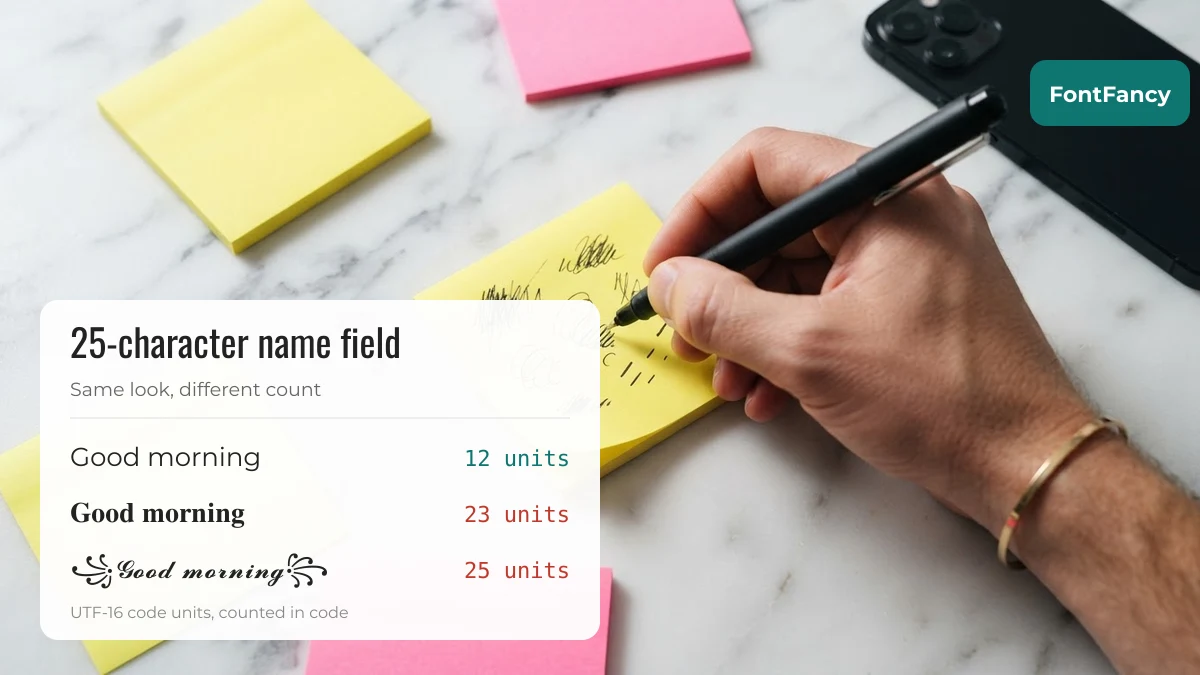
| Text | Style | Characters | UTF-16 units |
|---|---|---|---|
Good morning | Plain | 12 | 12 |
𝐆𝐨𝐨𝐝 𝐦𝐨𝐫𝐧𝐢𝐧𝐠 | Bold serif | 12 | 23 |
꧁𝓖𝓸𝓸𝓭 𝓶𝓸𝓻𝓷𝓲𝓷𝓰꧂ | Bold script in a frame | 14 | 25 |
ɢᴏᴏᴅ ᴍᴏʀɴɪɴɢ | Small caps | 12 | 12 |
Two things stand out. Small caps costs no extra, because those letters live in the main part of Unicode. Bold and script letters double the count. If you want a frame as well, pick a short name or a small-caps style. Every sample below was measured in code and stays at or under 25 UTF-16 units, so it fits whichever way the field counts.
Profile name samples (20)
Want a name that looks empty, or extra space between a name and an emoji? That is a job for blank characters, not a font — see invisible characters and blank names.
About lines and greetings to copy
The About line sits under your name when someone opens your profile, and third-party guides commonly put its limit at 139 characters. One styled word and one symbol usually read better than a fully styled sentence, which can be hard to scan on a small screen.
About line templates (12)
Morning, night and thank-you messages (24)
Short greetings for family and friend groups. Some mix normal letters with styled ones on purpose — that is how they appear in the original collections, and it is part of the look.
Emoji strips for greetings (22)
Colour emoji look different on each phone brand, but they always arrive. Put one strip at the start or end of a greeting rather than inside a name, where it takes up more of the character count than it seems.
Dividers and small symbols (25)
Quote marks, brackets and thin dividers for setting off a line in the About field or a pinned group message. The same idea is used for bios on other apps; the Instagram fonts guide covers the longer 150-character bio there.
Kaomoji for quick replies
A kaomoji is a face made of text characters. In a busy group they work as a reply that does not need words: a hug for good news, a sleepy cat for good night. They are ordinary text, so they paste into messages, About lines and names alike.
Hugs, cheers and sleepy faces (22)
Group chat names
A group name is what everyone scans in their chat list, so it has to be recognisable at a glance. The simplest pattern that works: one emoji that says what the group is about, then the name, with a style applied to at most the main word.
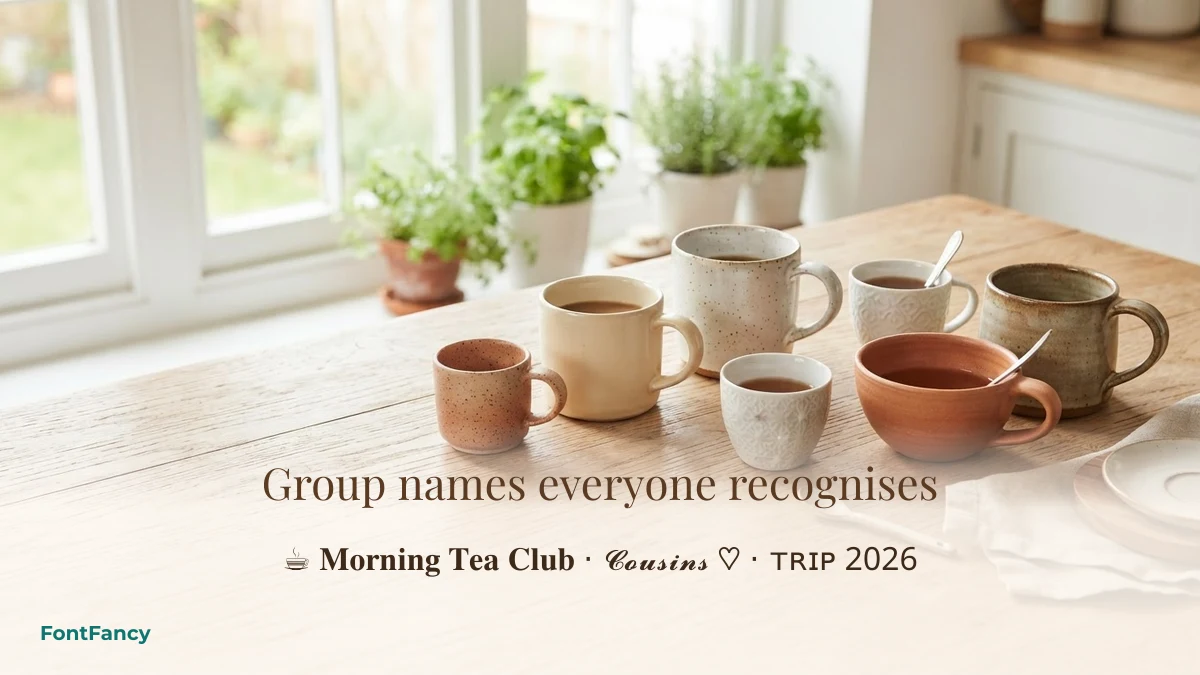
Group name ideas (18)
Long group names get shortened with an ellipsis in the chat list, so put the words people will recognise first. And because some members may have older phones, avoid styles that are known to show empty boxes — script and fraktur — for the key word of a large family group.
WhatsApp usernames: what is known so far
WhatsApp began letting people reserve usernames in June 2026, ahead of a wider rollout later in the year, according to TechCrunch’s report on the announcement. The same report says usernames can be 3 to 35 characters long and will not be searchable in the app — only people who know your exact username can use it to reach you.
What the announcement does not spell out is which characters a username may contain. Until WhatsApp publishes that, assume a username is plain letters and numbers, and do not rely on fancy fonts there. Styled text belongs in the profile name and About line covered above.
Questions about WhatsApp fonts
How do I change the font style in WhatsApp?
WhatsApp has no font picker. In messages, use markup: *bold*, _italic_, ~strikethrough~ and “`monospace“`. For your profile name, About line or a group name, copy a Unicode style from a generator and paste it in, because markup does not work in those fields.
Which font does WhatsApp use?
WhatsApp displays text in your phone’s system font, so it looks slightly different on Android, iPhone and desktop. Unicode styles do not change that font; they swap your letters for other characters that the system font draws in a styled shape.
Why does my styled WhatsApp name get cut off?
The profile name field is short, commonly 25 characters, and bold or script letters can count as two units each. Use a shorter name, remove the frame, or switch to small caps, which counts as one unit per letter.
Can other people see my WhatsApp fonts?
Yes, if their phone has a font that includes those characters. Bold, italic and small caps show on almost all current phones. Rare decorative symbols may appear as empty boxes on older devices.
Can I use fancy fonts in a WhatsApp username?
Not reliably. WhatsApp has not published which characters usernames accept, so keep the username plain and put styled text in your profile name instead.
Checked on 14 September 2026: character counts computed in code; message formatting codes from WhatsApp’s formatting help article and its February 2024 announcement; username details from TechCrunch’s June 2026 report. WhatsApp is a trademark of its owner; FontFancy is not affiliated with it.