Instagram fonts are Unicode letter styles — such as 𝓼𝓬𝓻𝓲𝓹𝓽, ꜱᴍᴀʟʟ ᴄᴀᴘꜱ or 𝐛𝐨𝐥𝐝 — that you copy and paste into your Instagram name, bio or captions. Instagram has no font menu, so type above, tap a style to copy it, then paste it into Edit profile. Your @username stays plain letters.
The tool opens on styles that read well on a profile; switch tabs for all 64 styles from the FontFancy fancy text generator. Everything below is built around one Instagram profile — how to paste, what each field accepts, bio layouts that survive the 150-character limit, and add-ons for captions.
How to add fancy fonts to your Instagram bio
You add fancy fonts to an Instagram bio by pasting styled Unicode text into the Bio field of Edit profile — there is no setting to switch on. The steps are the same in the Android and iPhone apps:
- Write the line here first. Type the words into the box at the top of this page and tap the style you like; it is copied straight away.
- Open Instagram → your profile → Edit profile.
- Tap Bio (or Name) and paste. Press and hold in the field and choose Paste.
- Read the preview before saving. If a letter shows as an empty box, that style is not supported on this phone — go back and pick another.
- Tap Done. Check your profile once more from the public view.
To build a bio with several lines, paste one line, press the return key, then paste the next. Copying the ready-made layouts further down does the same in one step, because they keep their line breaks.
Name, username, bio, captions: what accepts fonts
Fancy fonts work in the Instagram name, bio, captions and comments, but not in the @username. Instagram usernames are limited to 30 characters and can only contain letters, numbers, periods and underscores, so styled letters are rejected there.
| Field | Fancy fonts? | Limit to keep in mind | Tip |
|---|---|---|---|
| Name (display name) | Yes | Instagram lets you change it twice within 14 days | Style your first name, keep a plain keyword next to it |
| @username | No | 30 characters; letters, numbers, periods, underscores | Keep it plain and easy to type |
| Bio | Yes | 150 characters | Styled letters can use two units each — see the limit table |
| Captions | Yes | 2,200 characters; the first lines show before “more” | Style a first-line hook, keep the rest plain |
| Comments and DMs | Yes | — | Kaomoji and one styled word read best |
Because the name field has a change limit, test your styled name in a bio line or a note first, and save it as your name only once you like how it looks. The same “name yes, handle no” rule applies on most platforms; WhatsApp is the odd one out, which our WhatsApp fonts guide explains.
Display name ideas that stay searchable
A fully styled name can be harder to find by typing. Search systems that normalise Unicode will match 𝓐𝓪𝓻𝓲𝔂𝓪 to “Aariya”, and ones that compare characters exactly will not — we explain that effect in the bold text generator guide. The simple fix is a styled first name plus a plain keyword, which is how every example below is built.
Styled name + plain keyword (20)
Swap in your own name: type it at the top, copy the same style, then add your symbol and keyword.
Bio layouts to copy line by line
A good Instagram bio usually has three to four short lines: who you are, what you post, a small detail, and a call to action. These eight layouts copy with their line breaks, and each label shows how many UTF-16 units the whole bio uses against the 150 limit.
Ready-made bios (8)
Line starters (25)
Put one of these at the start of a bio line instead of a bullet. The arrows and envelopes suit a call to action; the flowers and cups suit a hobby line.
Dividers between lines (22)
A divider gives a bio a clean break. Long ones are expensive — the vine-and-leaf divider looks like 14 symbols but uses 26 units — so use one divider per bio at most.
Styled words for bios (8)
Fitting styled text into 150 characters
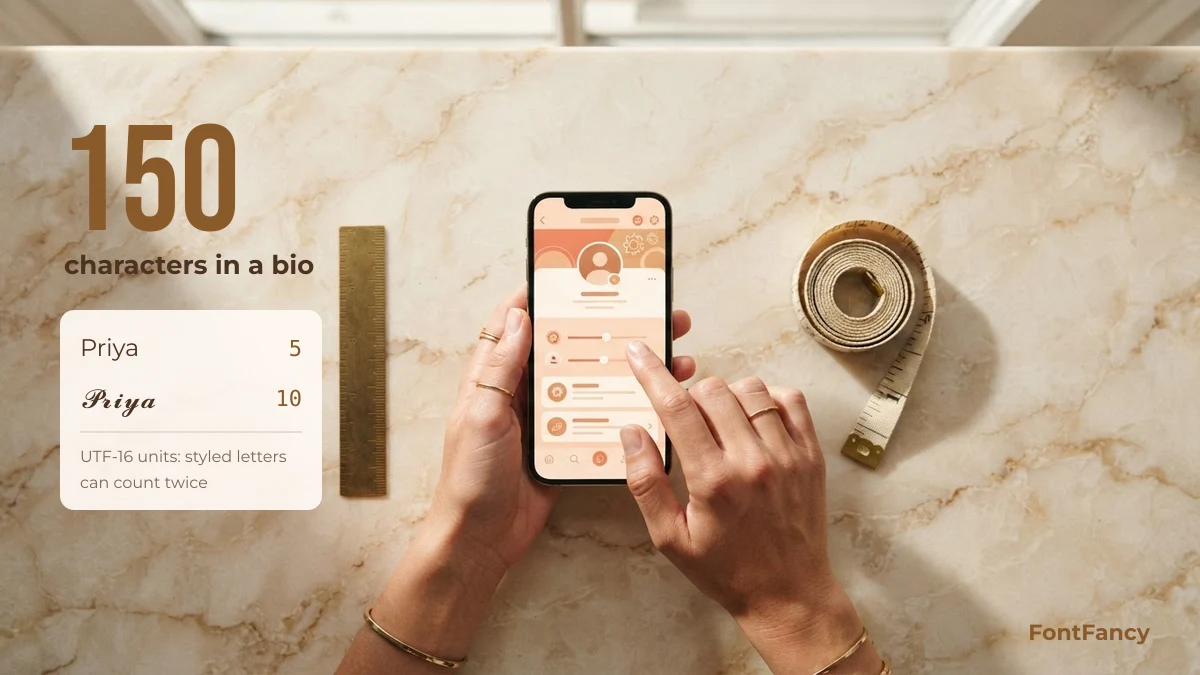
An Instagram bio allows 150 characters, but styled letters often cost more than they look. Script, bold and double-struck letters sit outside the Basic Multilingual Plane, so each takes two UTF-16 code units, while small caps letters take one.
| Text | Characters you see | UTF-16 units |
|---|---|---|
Priya Sharma | 12 | 12 |
𝓟𝓻𝓲𝔂𝓪 𝓢𝓱𝓪𝓻𝓶𝓪 | 12 | 23 |
ᴘʀɪʏᴀ ꜱʜᴀʀᴍᴀ | 12 | 12 |
꧁𝓟𝓻𝓲𝔂𝓪꧂ | 7 | 12 |
Priya 🌸 | 7 | 8 |
If Instagram says your bio is too long while it looks short, the styled letters are usually the reason. Three quick fixes: switch long lines to small caps, style only your name, and drop the widest divider. If you need an empty line between sections, a blank character works better than a divider; our invisible character guide lists the ones that survive pasting.
Caption add-ons: kaomoji and emoji
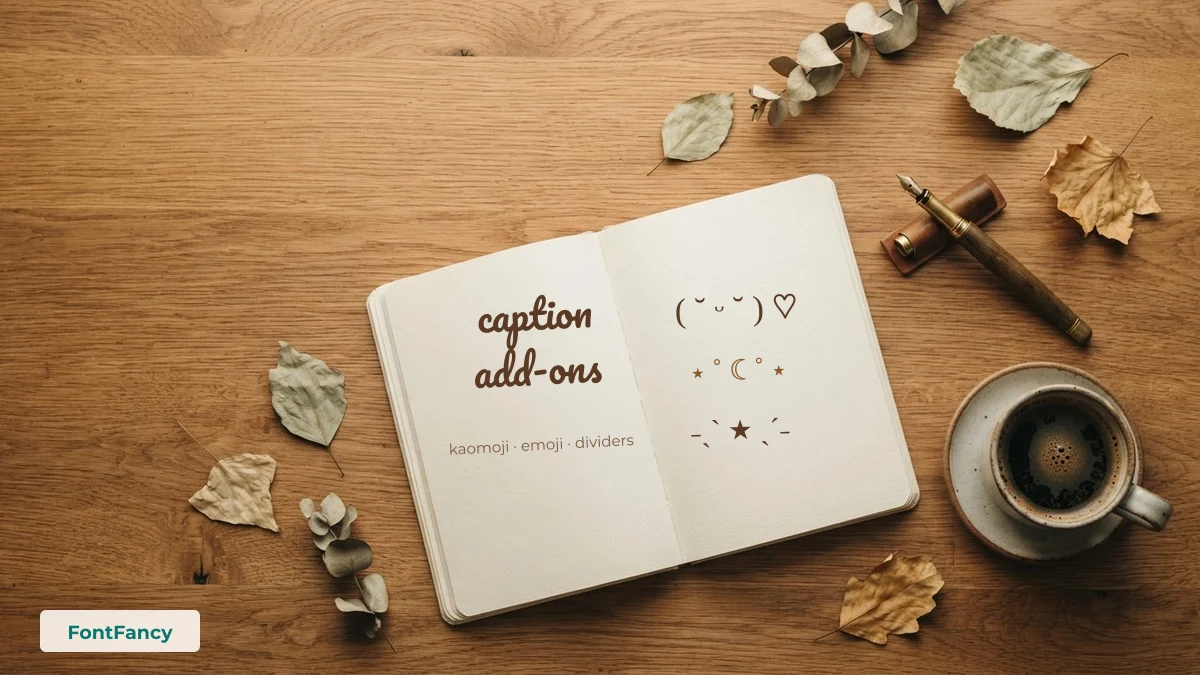
Captions have far more room than bios, so this is where kaomoji and emoji combos fit. Put the add-on at the end of your first line: it shows before the “more” cut and does not break the sentence someone is reading.
Kaomoji for captions and comments (21)
Soft, happy and shy faces suit most posts. The ones with 📷 and ☕ match photo dumps and café posts.
Emoji combos by post type (25)
Picnics, beaches, cafés, trains, flowers: pick the combo that matches the photo. Colour emoji look slightly different on iPhone and Android, but they never break.
Which styles look best on a profile
The styles that read best on an Instagram profile are small caps, bold sans and bold script, because they stay legible at the small size a bio is shown in. Thin script, fraktur and upside-down text look striking in a name but are tiring to read across several lines.
| Style | Example | Best used for |
|---|---|---|
| Small caps | ᴛʀᴀᴠᴇʟ · ꜰᴏᴏᴅ · ꜰɪʟᴍ | Whole bio lines, category words |
| Bold sans | 𝗡𝗲𝘄 𝗿𝗲𝗲𝗹 𝗦𝘂𝗻𝗱𝗮𝘆 | A call to action or a caption hook |
| Bold script | 𝓐𝓪𝓻𝓲𝔂𝓪 | Your name only |
| Italic serif | 𝑤𝑟𝑖𝑡𝑒𝑟 𝑜𝑓 𝑠𝑚𝑎𝑙𝑙 𝑡ℎ𝑖𝑛𝑔𝑠 | A quiet tagline |
| Fraktur | ℨ𝔬𝔶𝔞 | Short names with a dark or vintage look |
Older phones may show empty boxes for the rarer styles, which is a font limitation on that phone, not an Instagram setting; what fancy fonts are explains why. For the softer pastel look popular on Instagram, the aesthetic text generator collects those styles in one place.
Instagram font questions, answered
How do I get fancy fonts on my Instagram bio?
Type your text into the generator at the top of this page, tap a style to copy it, then open Instagram, go to Edit profile, tap Bio and paste. Instagram has no font setting; the style comes from Unicode characters, so it stays after you save.
What is the best font for an Instagram bio?
Small caps and bold sans are the easiest to read in a bio because they stay clear at small sizes. Bold script looks elegant for a name. Use one style for your name and plain text or small caps for the rest.
Can I use fancy fonts in my Instagram username?
No. Instagram usernames can only contain letters, numbers, periods and underscores, up to 30 characters. Put the styled version in your Name field instead.
Why does Instagram say my bio is too long?
Many styled letters take two UTF-16 units each, so a bio that looks like 100 characters can be over the 150 limit. Use small caps for longer lines or style only your name.
Can I style Hindi or other scripts for Instagram?
No. Unicode only has styled letters for Latin and Greek, so Hindi text cannot be converted. Write the word in English letters and style that instead.
Checked on 14 September 2026: username rules, name-change limit and bio/caption limits against Instagram’s published guidance; unit counts calculated from the Unicode encodings.