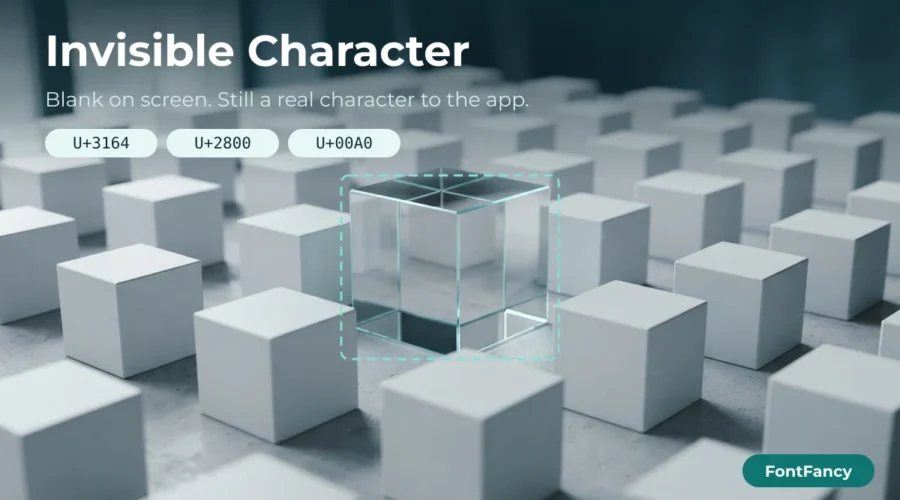
An invisible character is a Unicode character that shows as empty space but still counts as text, so apps such as Instagram, WhatsApp and many games accept it where a normal space is removed. The builder above makes blank names and blank lines from the Hangul Filler (U+3164), the Braille Pattern Blank (U+2800) and other blanks, with a counter from 1 to 100.
Pick a character, set how many you need, add your name if you want the gap around it, and copy. Below the builder you will find 153 ready-made blank strings grouped by type — each tile is labelled with exactly what is inside, because the tile itself looks empty. It is part of the FontFancy set of text tools and, like the rest of the site, runs entirely in your browser.
Why a normal space disappears
Most name and bio fields remove spaces at the start and end of what you type, and many reject a name that is only spaces. They do it with a whitespace check: characters in Unicode’s “space separator” category (Zs), such as the ordinary space and the no-break space, are treated as nothing. A blank name works when it is built from a character that is not in that category, so the check sees a real character and keeps it.
A second, less visible step can undo a blank after you save: normalisation. Systems that apply Unicode NFKC fold several blanks into other characters. The table shows what each blank really is and what NFKC turns it into — both checked against the Unicode Character Database.
| Code point | Name | Category | Counts as whitespace? | After NFKC |
|---|---|---|---|---|
| U+3164 | Hangul Filler | Lo | No | U+1160 |
| U+2800 | Braille Pattern Blank | So | No | unchanged |
| U+00A0 | No-Break Space | Zs | Yes | U+0020 |
| U+3000 | Ideographic Space | Zs | Yes | U+0020 |
| U+200B | Zero Width Space | Cf | No | unchanged |
| U+2060 | Word Joiner | Cf | No | unchanged |
| U+FFA0 | Halfwidth Hangul Filler | Lo | No | U+1160 |
“Counts as whitespace” is the result of a standard whitespace test (Python’s str.isspace()); JavaScript’s trim() removes the same Zs spaces. Individual apps may add their own rules on top.
Which blank character to use
Start with the Hangul Filler for a blank name, the Braille Pattern Blank when an app collapses the Hangul Filler, and the no-break space only for extra gaps between visible words. Zero-width characters are the last resort, because they are the ones apps strip most often.
| Goal | Try first | Then try | Why |
|---|---|---|---|
| Completely blank display name | U+3164 × 1–3 | U+2800 × 3–5 | Both are non-space characters (Lo and So), so a “name is empty” check does not see a space |
| Blank line inside a bio | U+3164 on its own line | U+2800 on its own line | Many bio fields delete lines that contain only ordinary spaces |
| Wider gap between two words | U+00A0 × 2–4 | U+3000 | Keeps the gap from collapsing to a single space in HTML-based fields |
| Push text to the right | U+2800 + space pattern | U+3164 run | Visible width depends on the font; test the look in the preview |
| Something that takes no width | U+200B | U+2060 | Often removed on save; check the preview |
Hangul Filler blanks (32)
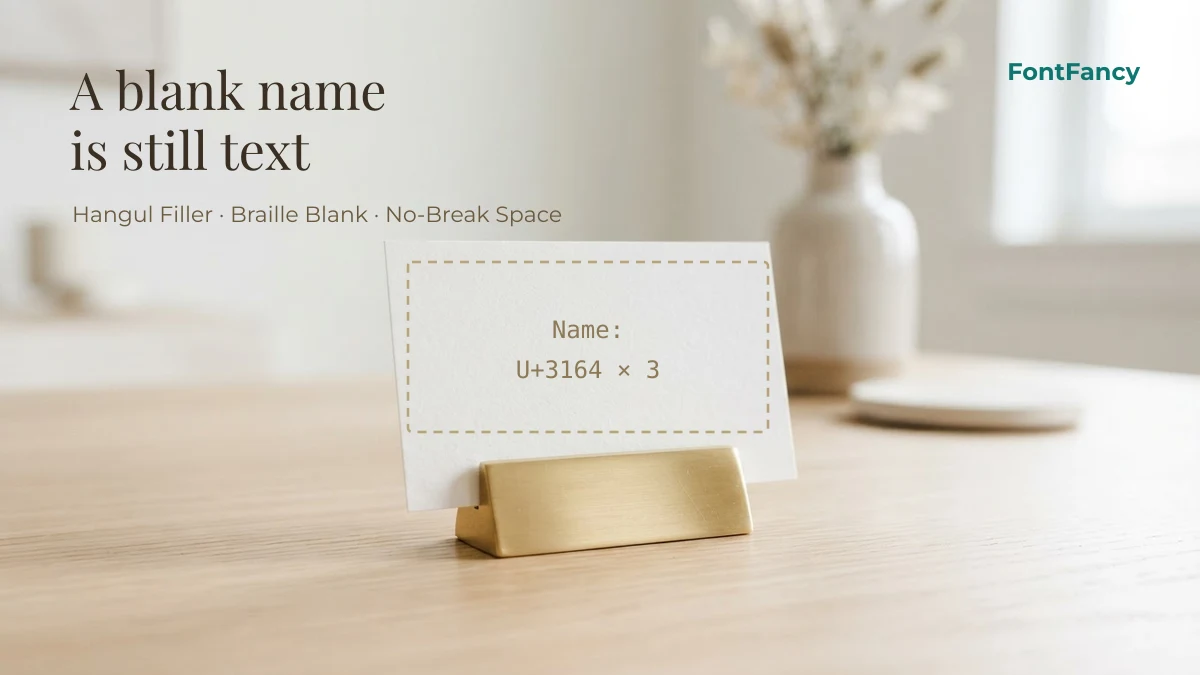
The Hangul Filler (U+3164) is a Korean letter that has no visible shape. Because Unicode classes it as a letter, apps that reject all-space names usually accept it. Each tile below is a run of Hangul Fillers; the label tells you how many.
Braille blank patterns (30)
The Braille Pattern Blank (U+2800) is the empty cell of the Braille block. It is a symbol rather than a space, which is why some apps keep it where they trim the Hangul Filler. The second group alternates it with ordinary spaces, a common pattern for wide blank lines.
Braille blank with spaces (14)
Mixed-width blanks (57)
Different blanks have different widths: the ideographic space (U+3000) is as wide as a Chinese character, the no-break space (U+00A0) is as wide as a normal space, and the halfwidth filler (U+FFA0) is narrower. Mixing them lets you fine-tune a gap. Strings marked “API” are kept exactly as they come from our symbol library.
Blank lines for a bio (12)
These strings contain line breaks with a blank character on each line, so a bio keeps its empty rows instead of squeezing them out. Copy one and paste it where you want the gap. The same trick is used in the bio layouts in our Instagram fonts guide.
Zero-width characters (8)
Zero-width characters take no space at all. They are useful for testing and for joining emoji, but they are the characters apps are most likely to strip — on their own they rarely survive as a name. Every tile here is marked “may be stripped” for that reason.
Blanks with a small mark
A name that is almost blank — one tiny symbol, kaomoji or emoji floating in empty space — is often accepted where a fully blank name is not, because the field sees a visible character. For bigger frames around a name, see decorative brackets for names; for single hearts, stars and crowns, symbols for names.
Names with invisible spacing (16)
A styled name with blanks around or inside it — the gap stays because the blanks are not ordinary spaces. The label shows the name, the letter style and that blanks are included; make your own by typing a name into the builder above and choosing where the blanks go.
Blank + symbol (19)
Blank + kaomoji (8)
A kaomoji centred between fillers, so it sits in the middle of an otherwise empty name or line.
Blank + emoji (8)
Before you save a blank name
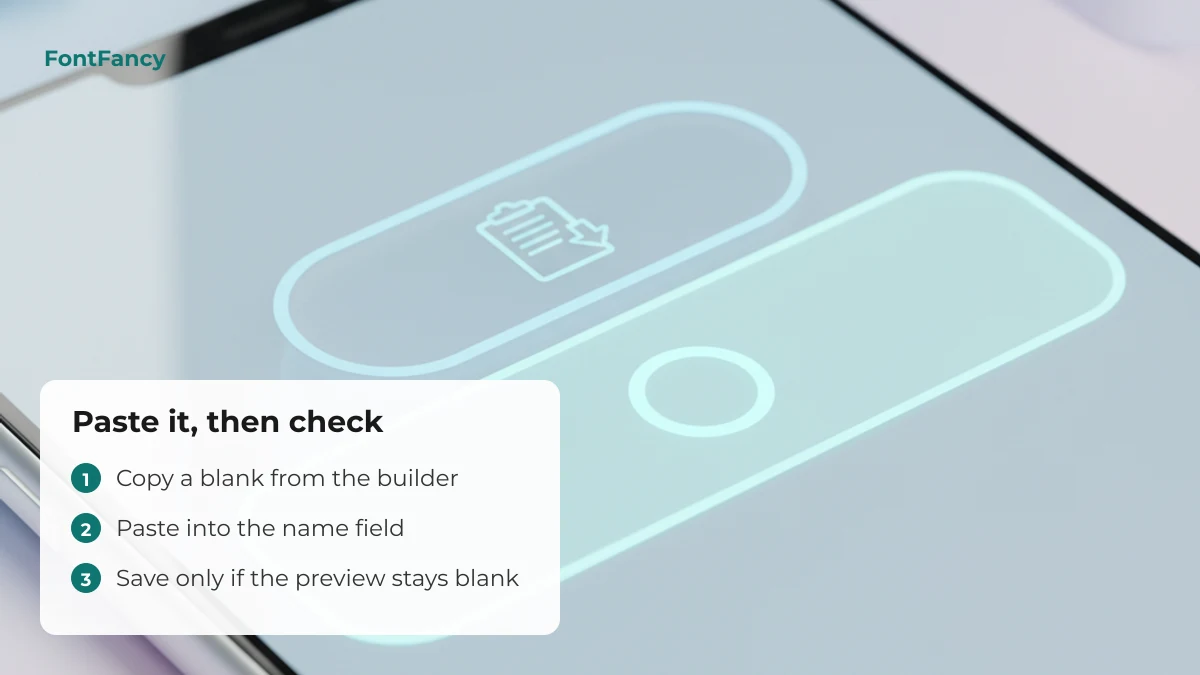
- Look at the preview. If the field shows your old name or a placeholder after pasting, the blank was removed — try the next character in the table above.
- Count the characters. Every blank counts toward a name limit. The builder shows the count; a 12-character name field fits 12 fillers at most.
- Expect rules to change. Apps and games update their name filters without notice, and a blank that works today may be rejected after an update. On WhatsApp, for example, a profile name must fit the app’s own length limit — see what works on WhatsApp.
- Keep it friendly. A blank name makes you harder to find and to mention, and some communities treat blank or look-alike names as a moderation problem. Use it for style, not to hide who you are or to pose as someone else.
If a blank shows up as a box or a strange mark on someone else’s phone, their font does not have that character — the reasons are the same as for any fancy text, covered in why fancy text does not show in some apps.
Questions about blank text
How do I write a blank name?
Copy one of the Hangul Filler blanks (U+3164) from this page or make one in the builder, paste it into the name field and check the preview before saving. If the app removes it, try the Braille Pattern Blank (U+2800) instead.
What is the invisible character called?
There are several. The one most used for blank names is U+3164 HANGUL FILLER. Others are U+2800 BRAILLE PATTERN BLANK, U+00A0 NO-BREAK SPACE and zero-width characters such as U+200B ZERO WIDTH SPACE.
Why does my blank name turn back into my old name?
The app removed the character on save, usually because it counts as whitespace or is stripped by a filter. Use a character that is not a space separator, such as U+3164 or U+2800, or add one small visible symbol.
How many invisible characters can I copy at once?
The builder makes 1 to 100 at a time. The field you paste into sets the real limit, and each blank counts as one character toward it.
Is copying blank text safe?
Yes. Blank characters are ordinary Unicode text with no code or links attached. Just avoid using them to impersonate someone or to evade a platform’s rules.
Checked on 14 September 2026: code points, categories and NFKC results were generated from the Unicode Character Database; per-app behaviour is described as general guidance, not a tested guarantee.