The checker above folds anything you paste — even 𝓯𝓪𝓷𝓬𝔂 or ꜱᴍᴀʟʟ ᴄᴀᴘꜱ text — back into plain characters WhatsApp accepts and ticks off each rule. It is a separate tool from FontFancy (fancy text generator) because a username needs the opposite of fancy letters: plain ones.
WhatsApp username rules (checked 30 September 2026)
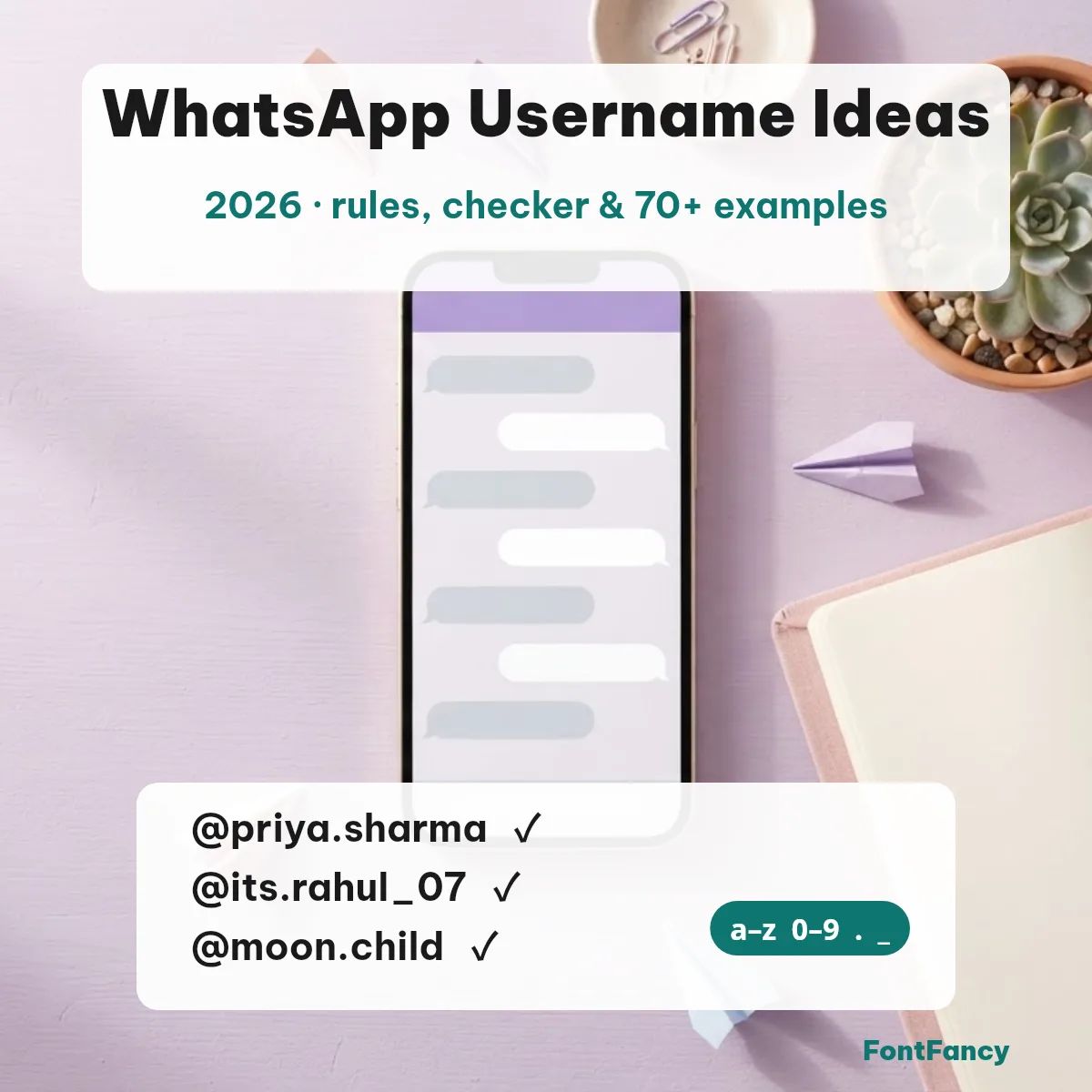
A WhatsApp username can use only lowercase letters a–z, digits 0–9, periods and underscores, must be 3 to 35 characters long, must contain at least one letter, and cannot look like a web address. These are the rules our checker tests.
| Rule | Accepted | Rejected |
|---|---|---|
| Length 3–35 characters | ria.k | ab |
| Only a–z, 0–9, period, underscore | rahul_07 | Rahul Singh! |
| At least one letter | team.2026 | 2026_07 |
| No www. at the start | web.priya | www.priya |
| No web-address ending | priya.writes | priya.com |
| No period at the start or end | priya.k | .priya. |
Unicode block: every allowed character sits in Basic Latin — a–z (U+0061–U+007A), 0–9 (U+0030–U+0039), the period (U+002E) and the underscore (U+005F). Sources: WhatsApp’s announcement “It’s time to reserve your WhatsApp username” (29 June 2026) and Business Today’s rules summary (30 June 2026). The last row is reported behaviour, not a published rule.
How to set or claim a WhatsApp username
Update WhatsApp, open Settings › Account › Username, type your choice (or use WhatsApp’s built-in username generator) and save. WhatsApp is rolling usernames out gradually and notifies you in the app when they reach your country, so the option may not show yet.
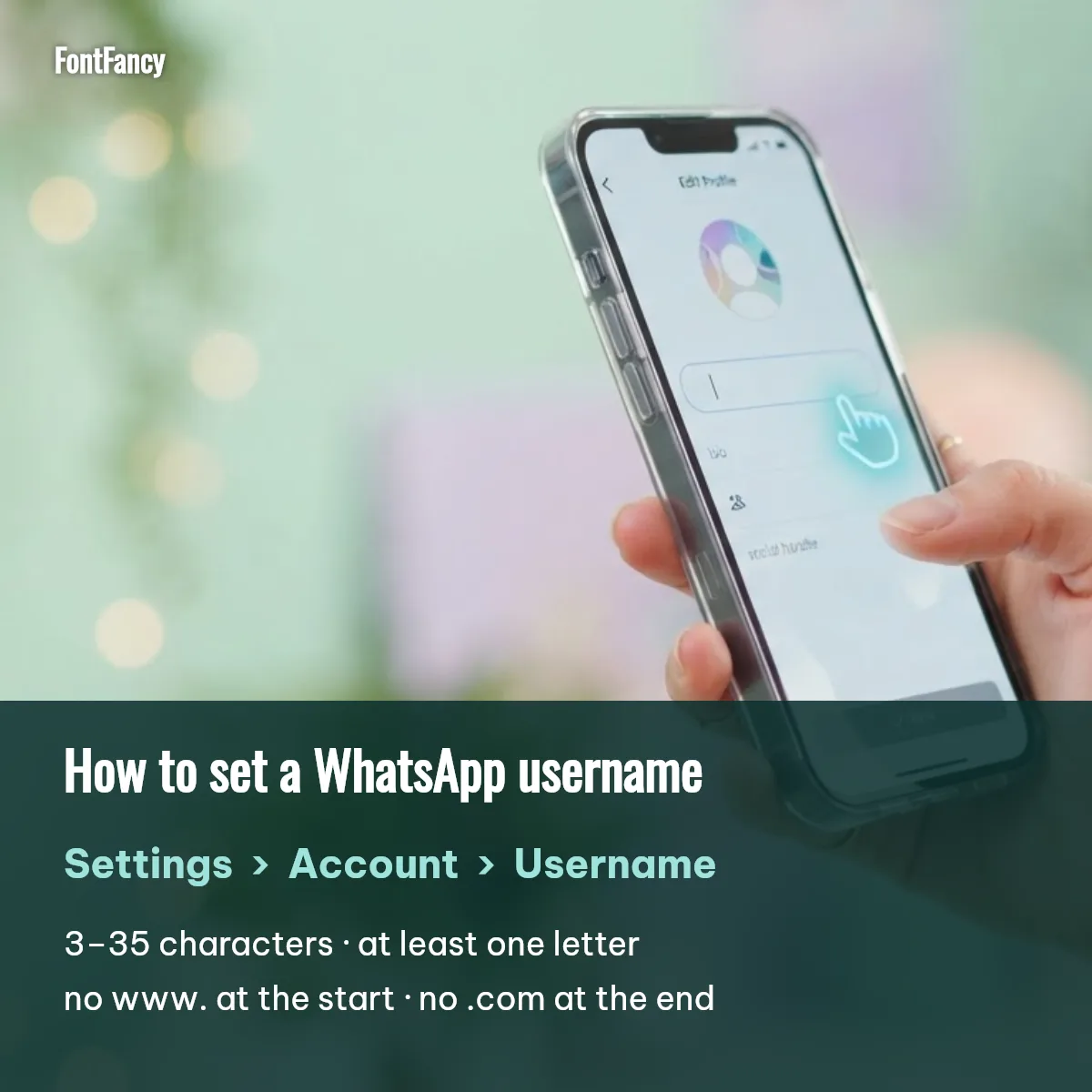
- Check the rules first. Paste your idea into the checker at the top so you do not waste a favourite name on a typo.
- Creators and businesses: WhatsApp says you can claim the same username you already hold on Instagram or Facebook.
- Share it, not your number. Once set, give out the @username; people who start a chat with you through it will not see your phone number.
70+ WhatsApp username examples to copy
Every example below passes the rules above — tap one to copy it, then change a word so it is yours. Popular ones may already be taken, so keep two or three backups.
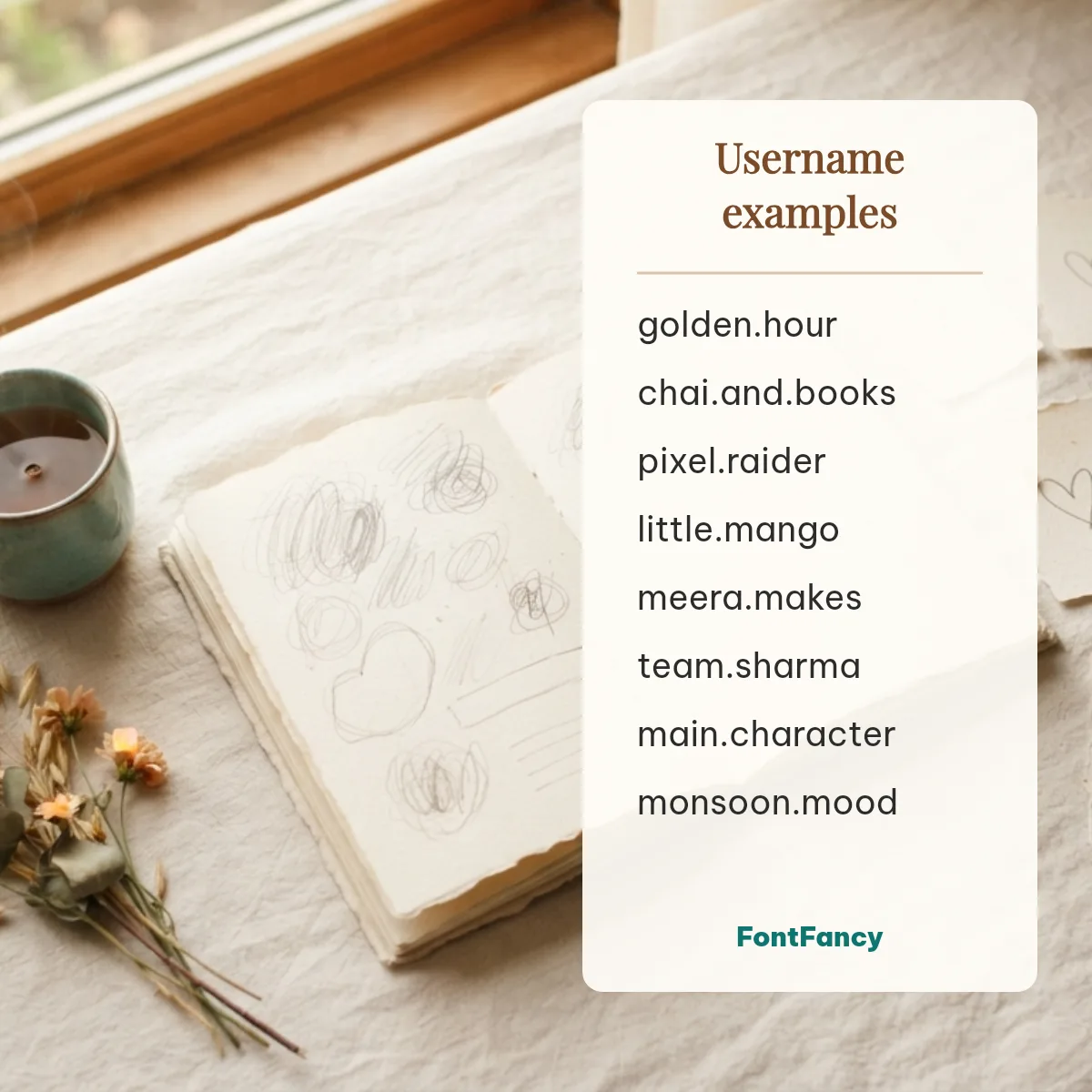
Name-based examples (12)
Aesthetic (12)
Cool and gaming (12)
Cute (10)
Attitude (10)
Work and small business (10)
Family and couples (6)
Why fancy fonts fail in a WhatsApp username
Fancy letters such as 𝐁𝐨𝐥𝐝 or 𝓼𝓬𝓻𝓲𝓹𝓽 are different Unicode characters, not styled a–z, so the username field rejects them. They still work in your profile name, About line and group names, which is where a bold text generator or a cursive style belongs.
| Field | Fancy text? | Limit |
|---|---|---|
| WhatsApp username (@handle) | No — a–z, 0–9, . and _ only | 3–35 characters |
| WhatsApp profile name | Yes | Short (commonly 25 characters); styled letters can count as two |
| WhatsApp About and group name | Yes | Emoji and symbols allowed |
| Instagram and Discord usernames | No — same plain-character idea | Style the display name instead |
Accessibility note: screen readers often spell styled letters one by one or skip them, so if people rely on reading your name aloud, keep a plain version in your About line. The username itself is always plain text, which makes it the most accessible way for someone to find you.
WhatsApp name style for boys and girls
Your profile name is where style goes. These ready-made WhatsApp name styles pair with a plain username — tap to copy, then swap in your own name with the FontFancy generator on our homepage.
Name style for boys and attitude (16)
Name style for girls (8)
Attitude symbols and emoji (22)
Soft and aesthetic symbols (24)
Kaomoji for your About line (10)
Emoji and some symbols look different on Android and iPhone; if one appears as an empty box on a friend’s phone, their font is missing it. Plain-text fallback: keep your name readable without the decoration.
Username key and privacy
WhatsApp usernames are not searchable: there is no directory and no suggestions, so only people who know your exact username can start a chat with it. You can also turn on an optional username key that someone must enter before their first message reaches you.
Avoid putting your phone number, birth date or school in the username — once shared, it travels with every screenshot.
Suggest a username idea
Have a username idea that fits the rules? Send it below. Every suggestion is read by the FontFancy team; ideas that pass the checker and are not someone’s real brand are added to the lists above with a copy button. Nothing is published automatically.
WhatsApp username FAQ
What is my WhatsApp username?
It is the optional @handle you choose in WhatsApp under Settings › Account › Username. It is separate from your profile name and your phone number; if you have not set one yet, you do not have a username. Once set, people who know it can message you without seeing your number.
How can I get a WhatsApp username?
Update WhatsApp, then open Settings › Account › Username. WhatsApp is rolling usernames out gradually and shows a notice when they reach your country; until then the option may not appear. Pick 3–35 characters using a–z, 0–9, periods and underscores.
What is a good username for WhatsApp?
A good WhatsApp username is short, easy to say out loud and hard to misspell — your name plus a period or a word you like, such as arjun.sharma or golden.hour. Avoid your phone number or birth year if you want to stay private.
How do I claim a WhatsApp username that matches my Instagram?
WhatsApp said in June 2026 that creators, businesses and organisations can reserve their existing Instagram or Facebook username on WhatsApp. Check Settings › Account › Username; if the handle is yours on Instagram or Facebook, WhatsApp offers it there.
Checked 30 September 2026 against WhatsApp’s June 2026 username announcement. FontFancy is an independent site and is not affiliated with WhatsApp or Meta.