How to test: type a word above, tap a style to copy it, paste it into the app that gave you trouble, and compare with the row here.
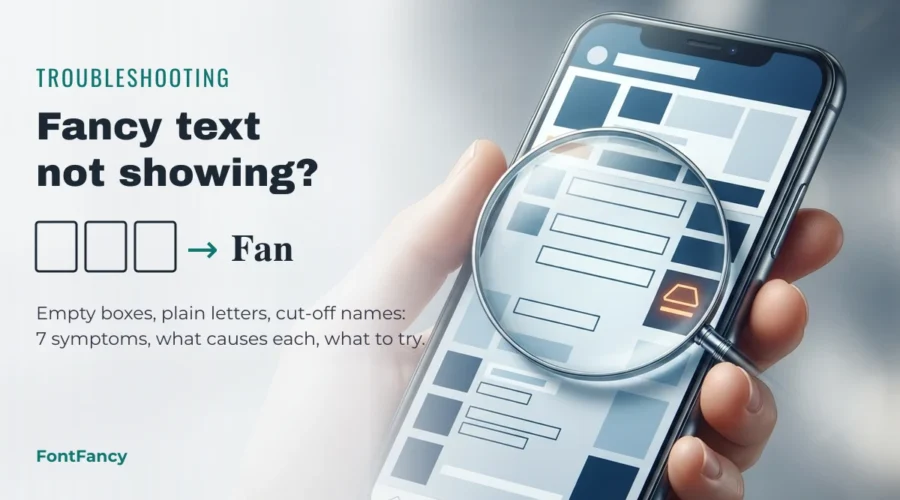
Fancy text stops showing for one of seven reasons, and each has a different fix. Empty boxes mean the device font has no drawing for that character; plain letters after posting mean the app converted it back; a rejected username on Instagram, TikTok or most other apps means the field only allows plain letters. Find your symptom below, then test with the tool above.
Fancy text is a set of Unicode characters rather than a font — the background is covered in what fancy fonts are. This page is the practical side: what you see, why it happens, and what to try, written for people using FontFancy or any other generator.
Symptom finder
Start with what you actually see. Most problems belong to the device that is showing the text, not to the copy you made, so the same string can look perfect on your phone and broken on a friend’s.
| What you see | Most likely cause | First thing to try |
|---|---|---|
| Empty boxes, □ or ? instead of letters | The viewer’s font has no glyph for those characters | Switch to an older style such as bold serif or circled |
| Styled letters become normal after you post | The app normalises text (NFKC) or strips symbols | Use a style NFKC leaves alone, such as small caps, or accept plain text |
| “Invalid characters” on a username | The field only allows letters, numbers, dots, underscores | Keep the handle plain; style the display name |
| Name or bio cut off early | The limit counts UTF-16 units or combining marks | Shorter word, fewer frame symbols, no strike or zalgo marks |
| Letters turn into red or blue tiles | Characters with an emoji form (🅰 🅱 🅾 🅿 Ⓜ) | Use the text form or a different bubble style |
| Lines or marks sit in the wrong place | Combining marks rendered by a font that cannot position them | Use a lighter style or avoid marks on emoji and spaces |
| A screen reader spells the name out | Styled characters have their own Unicode names | Keep a plain version of important names nearby |
Empty boxes or question marks
An empty box means the text arrived intact but the viewer’s device has no font containing that character, so it draws a placeholder instead. Nothing is wrong with the copy: paste the same text on a newer phone or computer and it usually displays.
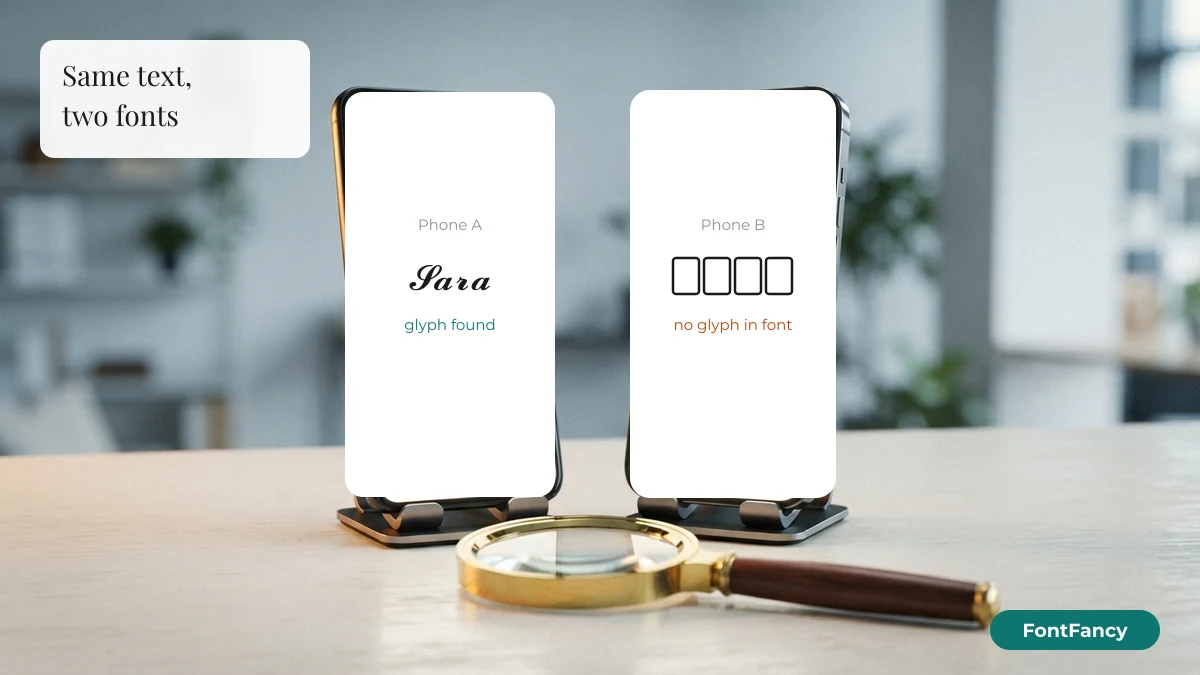
Two things make boxes more likely. First, most styled alphabets sit outside the Basic Multilingual Plane — bold 𝐁 is U+1D401 — and older system fonts often stop at U+FFFF. Second, the newer a character is in the Unicode Standard, the fewer devices have had time to ship a font for it. The fix is either a style made of older characters (see the ladder below) or simply accepting that a few viewers will see boxes.
- Test on the device that failed, not on yours. Paste into a notes app there.
- Update the operating system if it is your own device; system updates add fonts.
- Avoid mixing an old style with one new character: one box spoils the whole name.
Letters turn plain after posting
If your styled name looks right while typing but plain once saved, the app is normalising text, most often with Unicode NFKC. NFKC folds “compatibility” characters back to the ordinary letter, so 𝐁 becomes B, Ⓑ becomes B and B becomes B — but small caps ᴀ, turned ǝ and filled squared 🅱 are left unchanged.
| Style | You paste | After NFKC | Result |
|---|---|---|---|
| Bold serif | 𝐁 | B | Changed |
| Bold script | 𝓑 | B | Changed |
| Fraktur | 𝔅 | B | Changed |
| Double-struck | 𝔹 | B | Changed |
| Circled | Ⓑ | B | Changed |
| Fullwidth | B | B | Changed |
| Small caps | ᴀ | ᴀ | Kept |
| Upside-down | ǝ | ǝ | Kept |
| Filled squared | 🅱 | 🅱 | Kept |
| Strikethrough | B̶ | B̶ | Kept |
Normalisation is often used to stop look-alike names and to make search work, so there is rarely a setting to turn off. If an app flattens mathematical letters, try small caps from the tool above; if it strips those too, the app only wants plain text. The same folding is why bold names can still be found by search, as explained on the bold text generator page.
Username or name rejected
A rejected name usually means you pasted into a handle field that only accepts plain letters, numbers, dots and underscores. Most platforms separate the @username, which must stay plain so people can type it, from the display name, which accepts Unicode styles.
Put the styled version in the display or profile name and keep the handle plain. Where that line is drawn differs by app — the rules for Instagram are in Instagram fonts for bios and names. If even the display name is refused, remove symbols first, then styled letters, one at a time, to find the character the field dislikes.
Name or bio cut short
Names get cut because many limits count storage units, not the letters you see. Each styled letter outside the Basic Multilingual Plane takes two UTF-16 units, and each strikethrough or zalgo mark is a whole extra character.
| Version | Text | Code points | UTF-16 units |
|---|---|---|---|
| Plain | Priya | 5 | 5 |
| Bold script | 𝓟𝓻𝓲𝔂𝓪 | 5 | 10 |
| Circled | Ⓟⓡⓘⓨⓐ | 5 | 5 |
| Strikethrough | P̶r̶i̶y̶a̶ | 10 | 10 |
| Bold script + frame | ꧁𝓟𝓻𝓲𝔂𝓪꧂ | 7 | 12 |
If a field says the name is too long when it clearly is not, drop decorative frames first, then move from a maths-block style to circled or fullwidth letters, which cost one unit each. Blank characters count too, as the invisible character builder shows next to every string.
Letters become coloured emoji tiles
A few enclosed letters are also emoji. 🅰 🅱 🅾 🅿 (blood-type letters) and Ⓜ can be drawn as coloured tiles, and phones often choose the emoji look even when you wanted plain text. The letters in between, such as 🅲 or 🅳, have no emoji form, so a word can end up half tiles and half text.
Adding the text presentation selector U+FE0E after the character asks for the plain form, but not every app honours it. The bubble text generator lists which enclosed letters behave this way and gives both forms to copy.
Lines and marks float or pile up
Strikethrough, underline and glitch styles attach combining marks to each letter, and the font on the viewing device decides where those marks sit. Fonts that do not position them well draw lines that miss the letters, overlap the next line, or stack into a column.
Lighter is safer: one mark per letter survives far more apps than the stacked marks of zalgo text. Avoid putting marks on spaces and emoji, where most fonts have nothing to attach them to.
Screen readers read it strangely
Screen readers may announce styled letters by their Unicode names — 𝐁 is “mathematical bold capital b” — or skip them entirely, so a styled name can be unreadable to someone listening instead of looking. This is not a display bug but it is the most important side effect.
Keep a plain version of anything people must understand: your real name in the bio, instructions, prices and links. Use styles for decoration, not for information.
Which styles fail least
The older a character is in the Unicode Standard, the more fonts include it, so style age is a practical guide to how widely a style displays. The ladder below groups the styles in our tool by the Unicode version that introduced their characters, checked against the Unicode Character Database (DerivedAge 17.0).
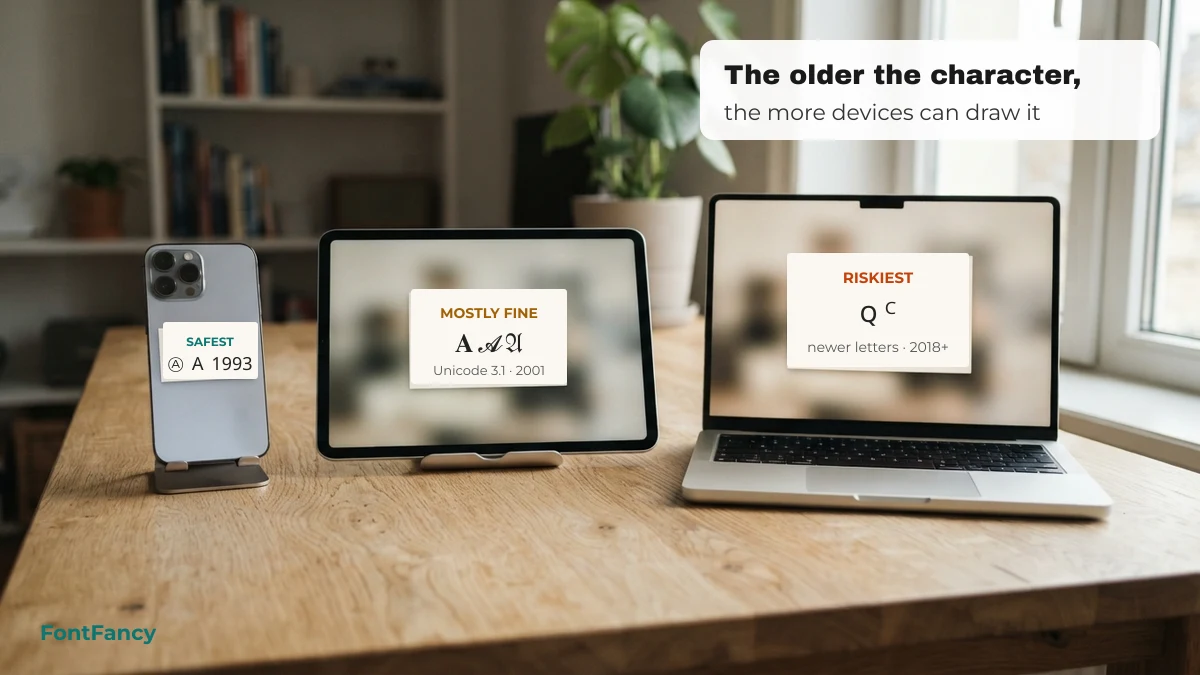
| Rung | Styles | Introduced in | Typical risk |
|---|---|---|---|
| 1 · safest | Circled Ⓐ, fullwidth A, parenthesized ⒜, strikethrough, underline, upside-down | Unicode 1.1 (1993) | Displays almost everywhere; marks may shift |
| 2 | Bold, italic, script, fraktur, double-struck, monospace, sans | Unicode 3.1 (2001) | Common on phones; older desktops may show boxes |
| 3 | Small caps with ꜰ/ꜱ, squared 🄰, filled 🅰 and 🅐 | Unicode 5.1–6.0 (2008–2010) | Mostly fine; filled letters may turn into emoji |
| 4 · riskiest | True small capital ꞯ, superscript 𐞥, modifier capitals ꟲ | Unicode 11.0–14.0 (2018–2021) | Missing on many older fonts |
Release years from the Unicode enumerated versions list. Age is a tendency, not a guarantee — a font can include old characters and still skip some. The full source of each style is in the Unicode source table.
Test strings and safe fallbacks
Copy a row from each rung and paste them all into the app that is giving you trouble. The first rung that breaks tells you how far you can go. Each label shows the newest Unicode version used in that string.
Rung 1 — Unicode 1.1 (8)
Rung 2 — Unicode 3.1 to 4.0 (8)
Rung 3 — Unicode 5.1 to 6.0 (8)
Rung 4 — Unicode 11.0 and later (6)
Styled names and their plain fallbacks (32)
When a styled name fails, keep the frame and drop the letter style. The symbols in these frames are old, widely supported characters, so the plain version still looks deliberate.
Status and loading lines (7)
Fallback symbols (20)
Single-colour symbols from long-established blocks, useful when an emoji or a rare letter shows as a box.
Kaomoji for “it’s not working” (18)
Fix-it emoji (16)
Colour emoji draw from the device’s emoji font, so they look different on each phone brand but rarely turn into boxes on a current system.
Questions about fancy text not showing
Why does fancy text show as boxes on my friend’s phone but not mine?
Your phone has a font that contains those characters and your friend’s does not. The text itself is identical. Older or rarer styles fail more often; bold serif and circled letters display on the widest range of devices.
Why does my fancy font turn normal after I save my profile?
The app is converting special characters back to ordinary letters, usually with Unicode NFKC normalisation. Mathematical, circled and fullwidth letters are folded; small caps are not, so they sometimes survive where other styles do not.
Can I install something to see fancy text instead of boxes?
On your own device, a system update or a font with wide Unicode coverage helps. You cannot change what other people’s devices can display, so for names that everyone must read, choose older, widely supported styles.
Why is my styled name too long when it looks short?
Many limits count UTF-16 units. Most styled letters take two units each, and strikethrough or glitch marks add a character per letter, so a five-letter name can count as ten or more.
Is it safe to keep using fancy text if some people see boxes?
Yes. Nothing breaks on their side apart from the display. For important information, keep a plain-text version nearby so everyone can read it.
Checked on 14 September 2026: normalisation results, character names, code-unit counts and Unicode versions were computed from the Unicode Character Database (Python unicodedata and DerivedAge 17.0).