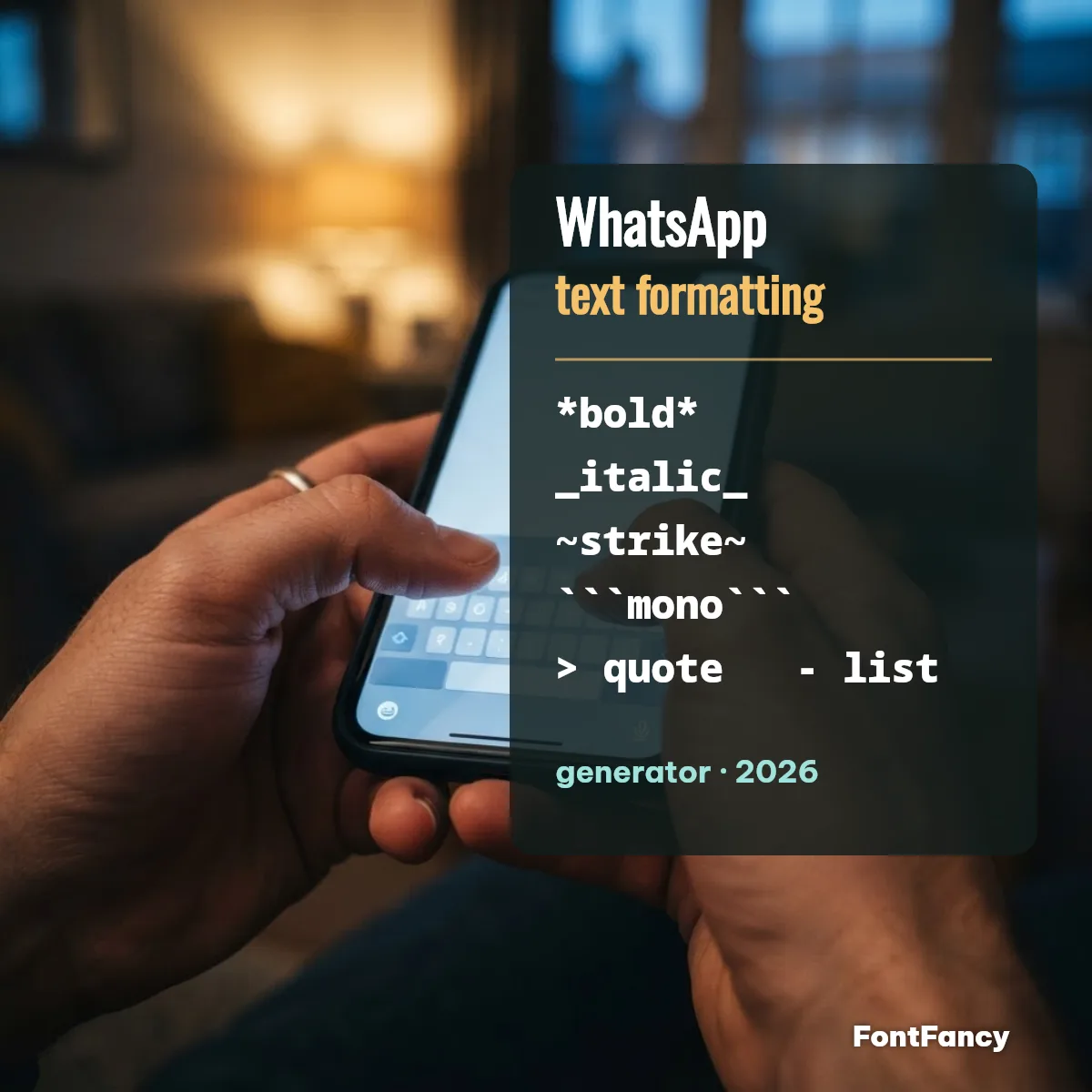
The formatter above wraps each line in WhatsApp’s own markup and shows how the chat will display it. Further down, the same styles as Unicode letters from our fancy text generator — for the places WhatsApp does not read markup, like your profile name.
All WhatsApp formatting codes (checked 30 September 2026)
WhatsApp has eight formatting codes: four classic ones for bold, italic, strikethrough and monospace, and four added in late February 2024 for bulleted lists, numbered lists, quotes and inline code. Each works by typing plain characters around or before your words.
| Format | Type this | You see | Since |
|---|---|---|---|
| Bold | *text* | text | 2016 |
| Italic | _text_ | text | 2016 |
| Strikethrough | ~text~ | 2016 | |
| Monospace | ```text``` | text | 2016 |
| Bulleted list | - item | • item | Feb 2024 |
| Numbered list | 1. item | 1. item | Feb 2024 |
| Quote | > text | indented quote | Feb 2024 |
| Inline code | `text` | text | Feb 2024 |
Unicode block: all eight codes use Basic Latin characters — * (U+002A), _ (U+005F), ~ (U+007E), ` (U+0060), > (U+003E), – (U+002D) — which is why they never show as empty boxes: WhatsApp draws the style itself. Sources: WhatsApp’s formatting help article and the February 2024 rollout for Android, iPhone, web and Mac. For multi-line lists on a computer, press Shift + Enter for each new line.
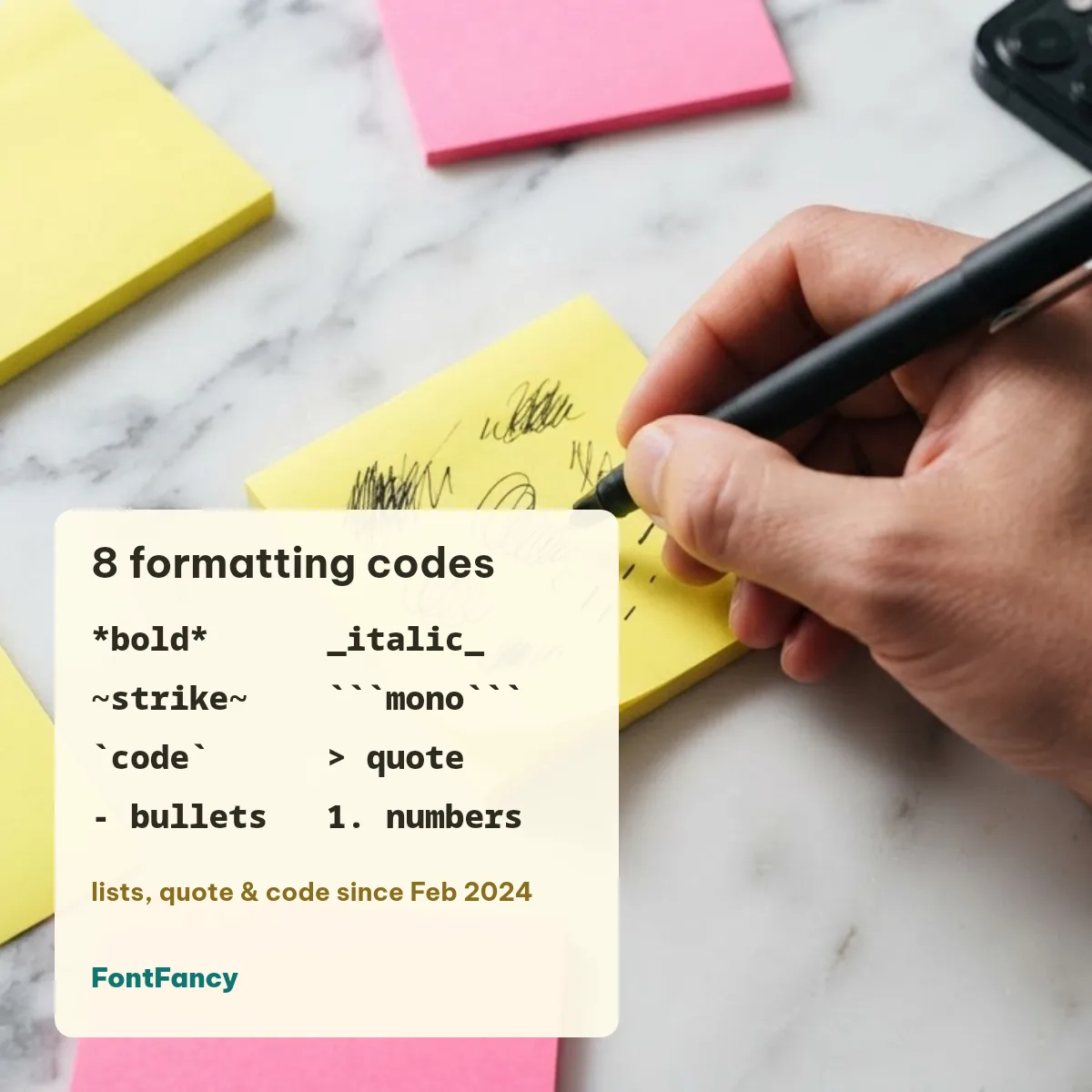
Format with the menu instead of typing
You do not have to type the symbols: select a word in the message box and the app offers the same formats. On Android, press and hold the word, then open the three-dot menu and choose Bold, Italic, Strikethrough or Monospace; on iPhone, select the word and tap Format. WhatsApp inserts the markup for you.
64 formatted WhatsApp messages to copy
Tap a message to copy it with its markup, paste it into a chat and send — WhatsApp shows the styling. Change the words to fit your own group.
Greetings and wishes (12)
Announcements and reminders (12)
Group admin notices (8)
Lists and plans (8)
Quotes and highlights (8)
Code and exact text (8)
Strikethrough jokes (8)
When markup does not work: names and group titles
WhatsApp only reads markup inside messages and captions. Your profile name, About line and group name show *asterisks* literally, so there you paste Unicode letters instead — they look bold or slanted anywhere, including Instagram. The shared styler under the formatter covers these, and our bold text generator has every bold variant.
WhatsApp has no underline code; the underlined letters above (U+0332, combining low line) are the only way to get an underline, and they may look uneven on some phones. Styled letters can show as empty boxes on older devices — see what are fancy fonts for why. More name ideas are in our WhatsApp fonts guide.
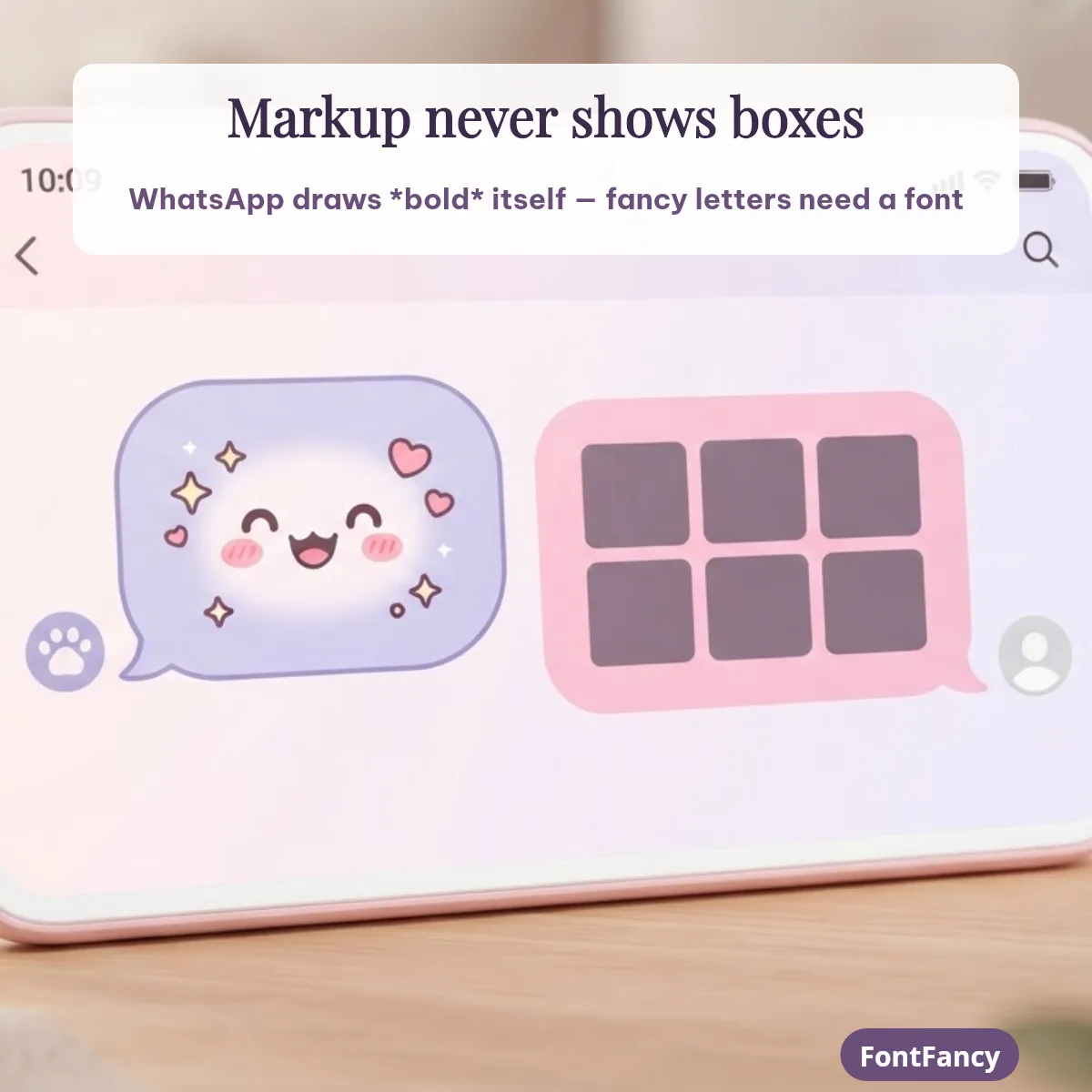
Where each method works
| Where you paste | WhatsApp markup | Unicode styles |
|---|---|---|
| WhatsApp chats and media captions | Yes | Yes |
| WhatsApp profile name, About, group name | No — symbols show as typed | Yes |
| Instagram name, bio, captions | No | Yes |
| Discord messages | Own Markdown: **bold**, *italic*, ~~strike~~ | Yes |
| Free Fire / BGMI name | No | Usually — check the rename preview |
Checked 30 September 2026 against WhatsApp’s and Discord’s help pages. Free Fire and BGMI are trademarks of Garena and Krafton; FontFancy is independent of them and of WhatsApp. Accessibility: screen readers ignore WhatsApp markup and read the words normally, but they may spell Unicode letters one by one — keep important details in plain text.
Why your WhatsApp formatting is not working
- A space next to the marker.
* text*stays plain; the marker must touch the first and last letter. - Markers across a line break. Put the markers on each line — the formatter above does this for you.
- Old app version. Lists, quotes and inline code need an app updated since February 2024.
- Wrong field. Profile names, About and group names ignore markup; use Unicode styles there.
Suggest a message
Have a formatted message your group loves? Send it below. The FontFancy team reads every suggestion and adds the useful ones to the lists above with a copy button; nothing is published automatically.
WhatsApp text formatting FAQ
How do I change my WhatsApp text style?
In a chat, wrap words in WhatsApp’s markup: *text* for bold, _text_ for italic, ~text~ for strikethrough and “`text“` for monospace. On most phones you can also select the words, open the menu and pick Bold or Italic. For your profile name or group name, where markup is not read, paste Unicode styles instead.
How can I format my WhatsApp messages?
Type the markup characters around your words before sending: asterisks for bold, underscores for italic, tildes for strikethrough, three backticks for monospace, one backtick for inline code, > and a space for a quote, – and a space for a bullet, 1. and a space for a numbered list. The formatter on this page adds them for you.
How do I format text in WhatsApp to be bold and italic?
Combine the markers: *_text_* makes the words bold and italic at the same time. Keep the markers touching the words — * _text_ * with spaces is shown as plain characters.
What is the format of a WhatsApp message?
A WhatsApp message is plain text that WhatsApp styles when it sees its markup codes, so formatting travels as those characters. If someone copies a bold message out of WhatsApp, the asterisks come with it; Unicode styles, by contrast, keep their look anywhere.
Checked 30 September 2026. FontFancy is an independent site, not affiliated with WhatsApp or Meta.