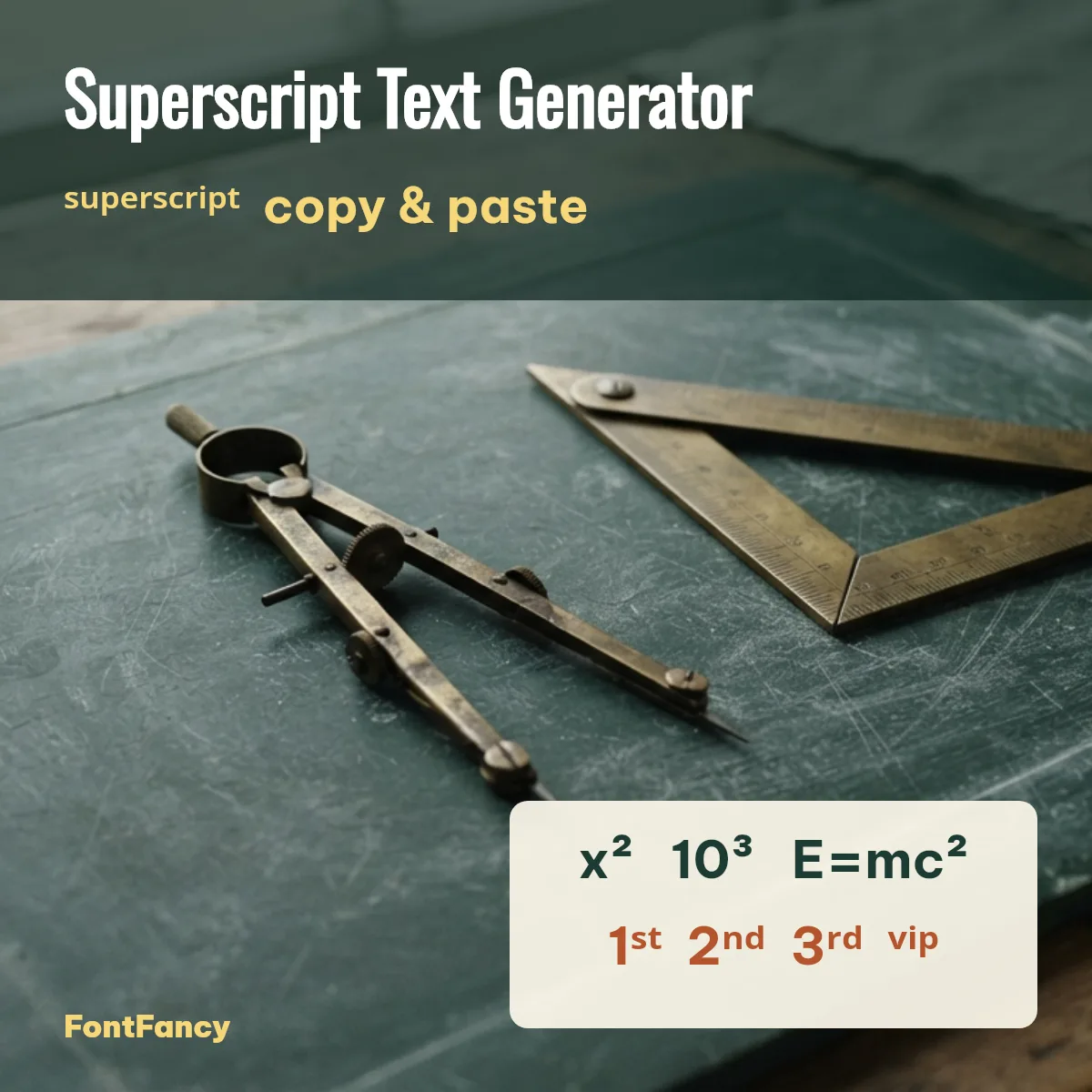
The box is the shared FontFancy (fancy text generator) tool opened on the small-letter styles: superscript first, then subscript and small caps. Below it you will find every superscript letter and number on its own, ready-made exponents and chemistry formulas, and the seven capital letters Unicode never made small.
Superscript alphabet and numbers to copy
Every lowercase letter a–z has a superscript look-alike, but they come from four different Unicode blocks, which is why ⁱ and ⁿ can sit a little higher or look thinner than the rest on some phones. Tap any character to copy it.
Lowercase superscript a–z (26)
Capital superscript letters (19)
Superscript numbers and signs (15)
The letters Unicode left out
Unicode has no standard superscript capitals for C, F, Q, S, X, Y and Z, and no superscript lowercase q. That is why generators, including ours, borrow ᑫ from Canadian Syllabics for q and fall back to lowercase or small letters for the missing capitals. Three of the capitals (ꟲ ꟳ ꟴ for C, F and Q) were only added in Unicode 14.0 in 2021, so many phones still show them as empty boxes — we leave them out of the grids for that reason.
Subscript characters to copy
Subscript sits below the line and is what chemistry and maths notation need, such as H₂O. Unicode has all ten subscript digits but only 17 subscript letters — there is no subscript b, c, d, f, g, q, w, y or z.
Exponents, formulas and ordinals
These ready-made strings combine normal and raised characters, so they paste as one piece into a caption, chat or school note.
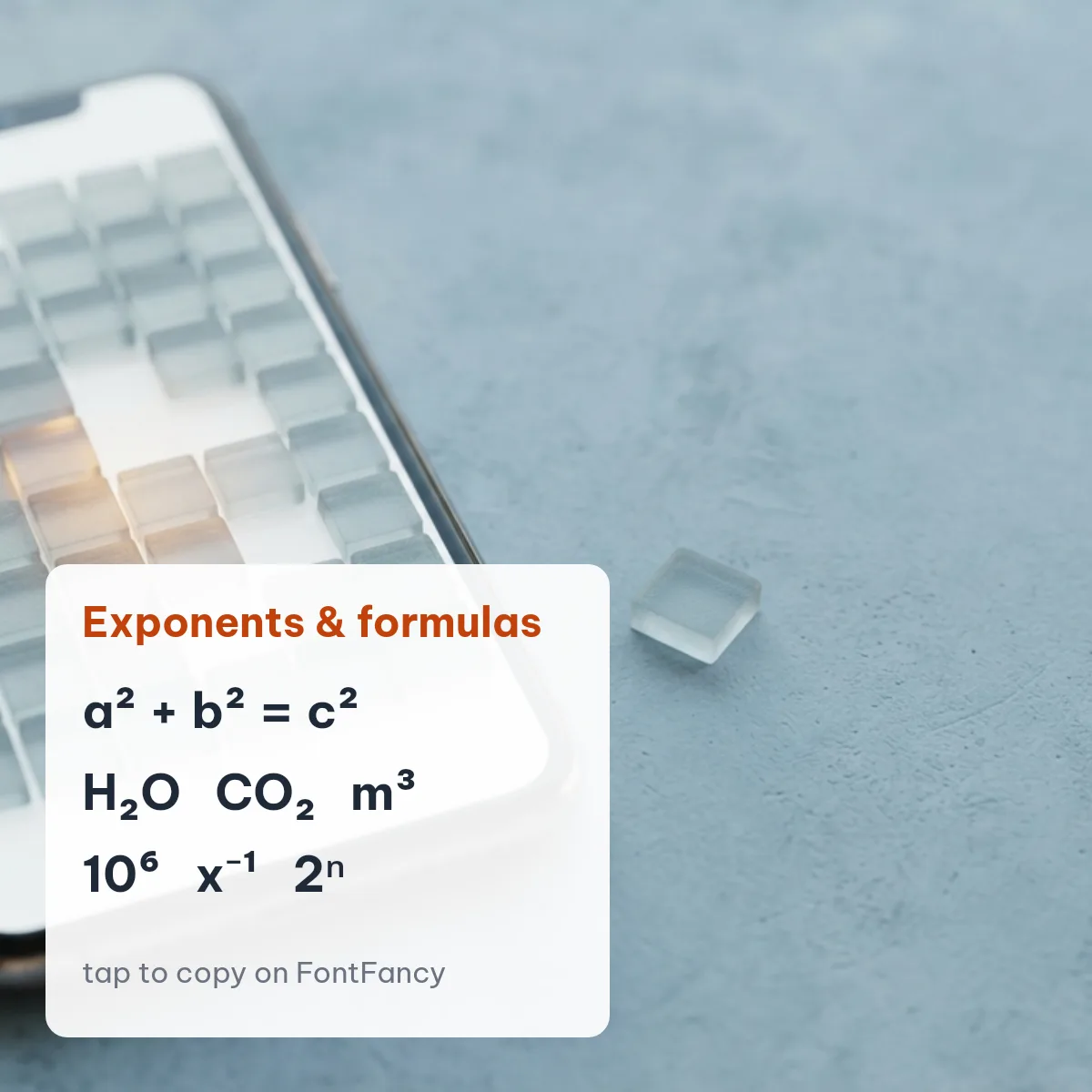
If you want heavier letters rather than smaller ones, try the bold text generator, which works the same way.
Tiny text words and combos
Superscript is popular as “tiny text” in bios and display names — a small word beside a normal one, or a raised label like ᵛⁱᵖ. The combos with symbols below come partly from the decoration sets people already use on Instagram and in game names.
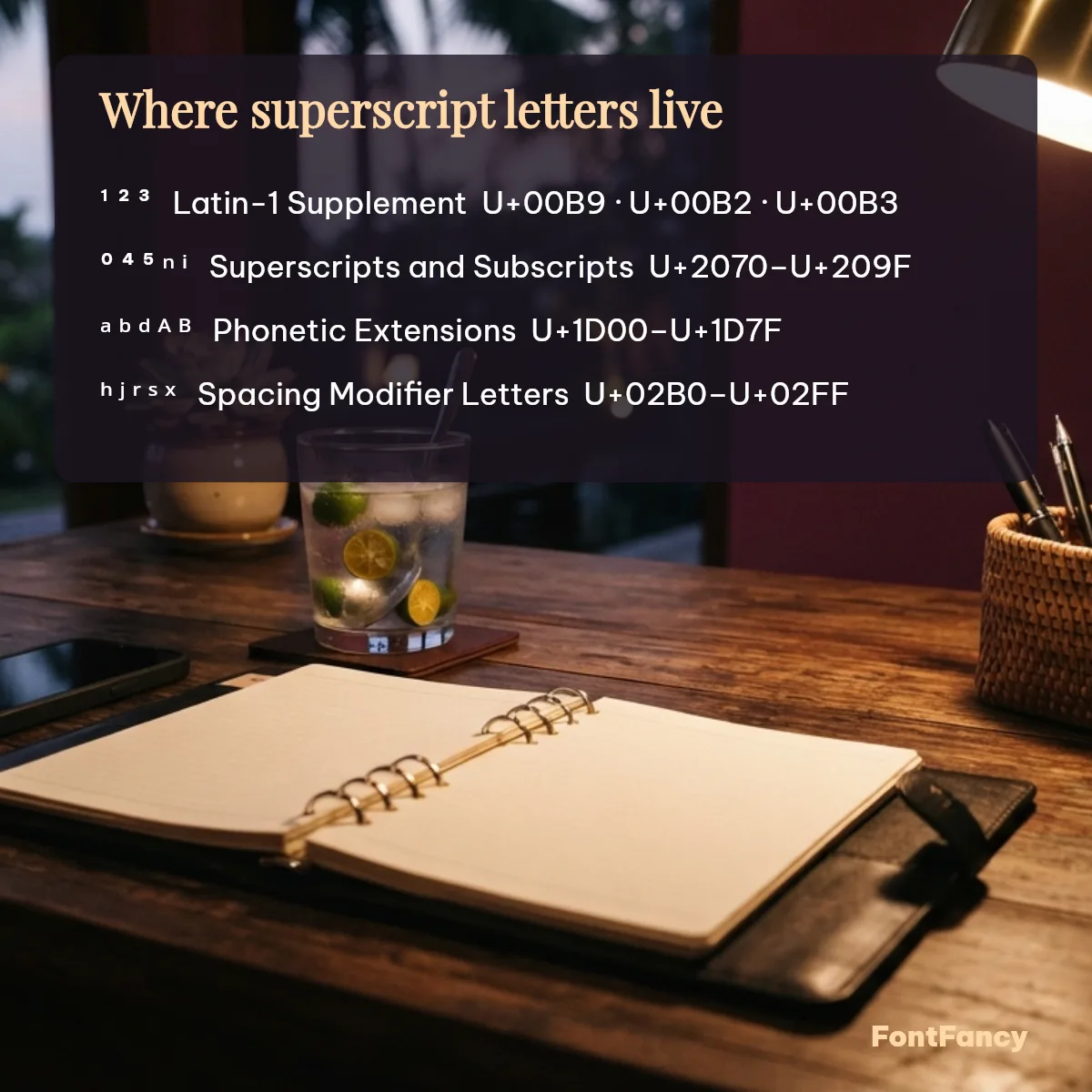
Which Unicode blocks superscript uses
Superscript text is not one alphabet but characters from five places in Unicode, which explains the uneven sizes you sometimes see.
| Characters | Unicode block | Code points |
|---|---|---|
| ¹ ² ³ | Latin-1 Supplement | U+00B9, U+00B2, U+00B3 |
| ⁰ ⁴–⁹ ⁱ ⁿ ⁺ ⁻ ⁼ ⁽ ⁾ and all subscript digits | Superscripts and Subscripts | U+2070–U+209F |
| ᵃ ᵇ ᵈ ᵉ ᵍ ᵏ ᵐ ᵒ ᵖ ᵗ ᵘ ᵛ and ᴬ–ᵂ capitals | Phonetic Extensions | U+1D2C–U+1D6A |
| ᶜ ᶠ ᶻ | Phonetic Extensions Supplement | U+1D9C, U+1DA0, U+1DBB |
| ʰ ʲ ʳ ʷ ʸ ˡ ˢ ˣ | Spacing Modifier Letters | U+02B0–U+02E3 |
| ⱽ | Latin Extended-C | U+2C7D |
Unicode block summary: superscript letters are modifier letters, not formatting — each one is a separate code point, which is why they survive copy and paste. Checked against the Unicode Character Database, 30 September 2026.
Where superscript works (checked 30 September 2026)
Superscript characters paste into the name, bio and message fields of Instagram, WhatsApp and Discord, and usually into Free Fire and BGMI names; they fail in @usernames, which accept only plain letters, numbers, periods and underscores.
| Where you paste | Works? | What to know |
|---|---|---|
| Instagram name, bio, captions | Yes | @username stays plain |
| WhatsApp profile name, About, messages | Yes | WhatsApp has no superscript formatting of its own |
| Discord display name, messages | Yes | Discord Markdown has no superscript either |
| Free Fire / BGMI name | Usually | No published character list — check the rename preview first |
| Older phones and smart TVs | Some boxes | ᑫ and ⱽ are the most likely to show as empty boxes |
If a character turns into an empty box, the reader’s device font is missing it — what are fancy fonts explains why. Free Fire and BGMI are trademarks of Garena and Krafton; FontFancy is an independent site.
Accessibility note: screen readers may read superscript letters one by one (“modifier letter small h…”) or skip them, so do not put essential information only in tiny text. Plain-text fallback: write the normal word next to it, for example “VIP ᵛⁱᵖ”, or write exponents as x^2.
Suggest a superscript combo
Made a tiny-text combo worth sharing? Send it to the FontFancy team. Suggestions are checked by hand and good ones are added to the grids with a copy button.
Superscript text FAQ
How do I type a superscript?
In Word or Google Docs, select the text and press Ctrl+Shift+= (Word) or Ctrl+. (Google Docs) to format it as superscript. In apps without formatting, such as Instagram or WhatsApp, paste Unicode superscript characters instead — type your text in the generator on this page and copy the raised version.
How to put 2 in superscript?
Copy ² (U+00B2) from this page and paste it after your number or letter, as in x² or m². On Windows you can also hold Alt and type 0178 on the number pad.
How do I copy the 3 exponent symbol?
Tap ³ in the numbers grid above to copy it — it is U+00B3, SUPERSCRIPT THREE. On a Windows keyboard with a number pad, Alt+0179 types the same character.
How do I type subscript 2?
Copy ₂ (U+2082) from the subscript grid, for formulas like H₂O or CO₂. Word’s shortcut for subscript formatting is Ctrl+=, but that formatting is lost when you paste into a chat app, while the Unicode ₂ keeps its place.
Checked 30 September 2026.