How to test: type your name above, tap a style, then paste it into Discord’s nickname or display name box — the preview shows exactly how it will look before you save.
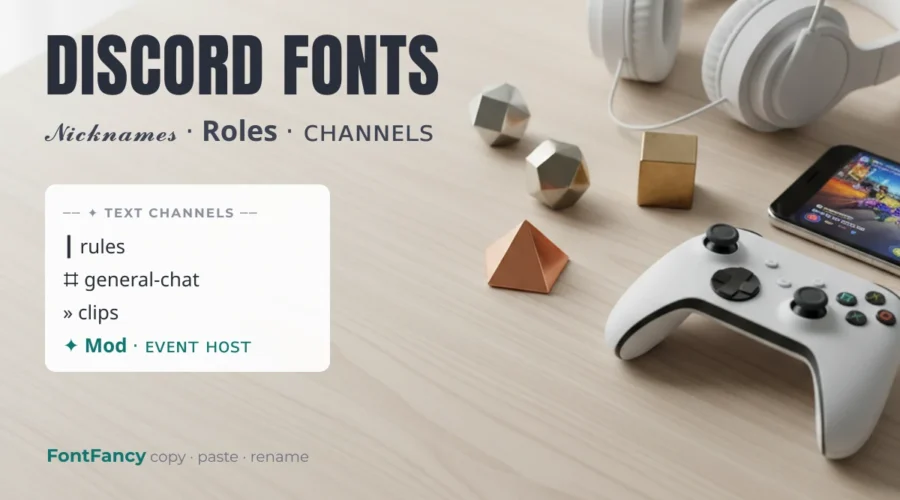
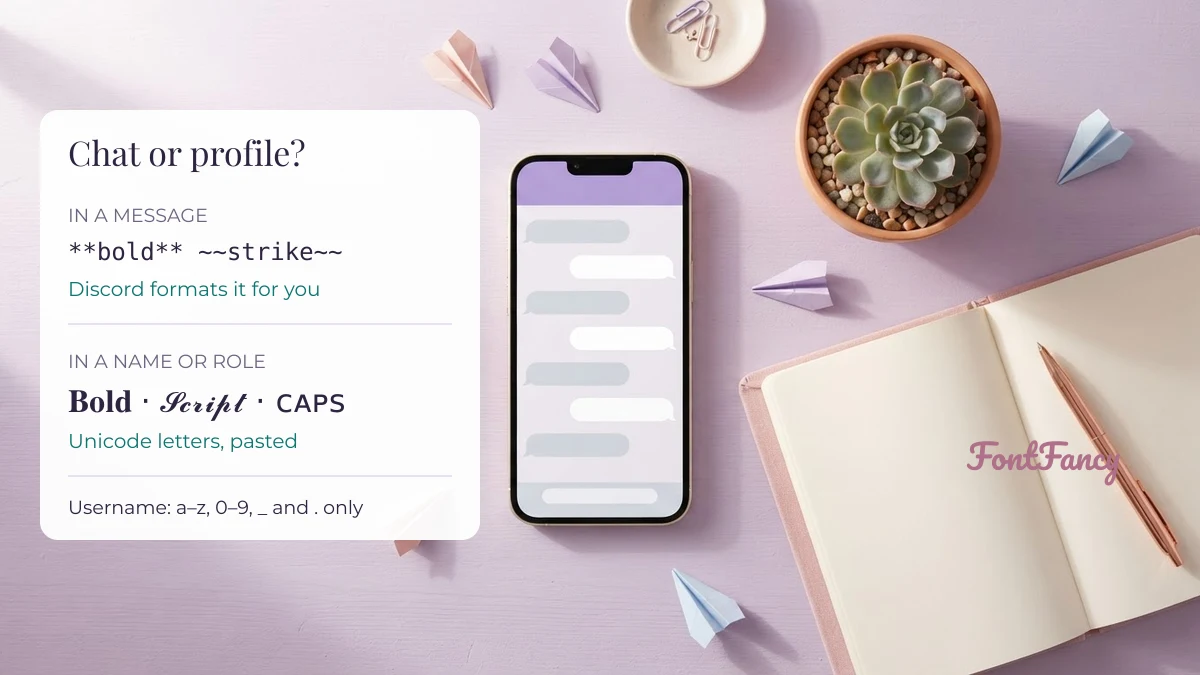
Discord fonts are Unicode letter styles such as 𝗯𝗼𝗹𝗱, 𝓼𝓬𝓻𝓲𝓹𝓽 and ꜱᴍᴀʟʟ ᴄᴀᴘꜱ that you paste into Discord names, roles and channel titles. They work wherever Discord accepts ordinary text, but not in your unique username, which only allows a–z, 0–9, periods and underscores. In messages, Discord’s own Markdown usually does the job better.
This guide goes place by place — display name, server nickname, About Me, channels, roles and chat — with ready-to-copy channel names, dividers, role tags and nicknames. The styles at the top come from the same FontFancy fancy text generator that runs on our homepage.
Where Discord keeps fancy text
Discord accepts Unicode styles in every field meant for people to read — display name, server nickname, About Me, server name, role names and messages — and rejects them in the unique username, which is a plain identifier. The table sums up each field, with the limits Discord publishes.
| Field | Fancy fonts? | What to know |
|---|---|---|
| Username (@handle) | No | 2–32 characters, lowercase a–z, 0–9, underscore and period only; no two periods in a row |
| Display name | Yes | 1–32 characters; symbols, spaces and emoji allowed; can be changed at any time |
| Server nickname | Yes | 1–32 characters; only shows inside that server |
| About Me | Yes | Short bio field; community reports and the in-app counter point to a 190-character cap |
| Text channel name | Partly | Discord lowercases it and turns spaces into hyphens; check the preview for symbols |
| Role and category names | Usually | Widely decorated by servers; the settings preview shows the result before saving |
| Messages | Yes | Unicode pastes fine, but Markdown gives real formatting that stays searchable |
The difference between the two name fields trips people up: the username is how friends add you, the display name is what everyone sees. Keep the username plain and put the style in the display name or a server nickname.
Markdown or Unicode: pick per place
In a message, use Discord’s Markdown; in a name, role or channel title, use Unicode styles. Markdown keeps the normal letters underneath, so the text stays searchable and readable for screen readers, while Unicode styles are the only option in fields that do not render Markdown.
| Effect | Markdown in a message | Unicode look-alike for names |
|---|---|---|
| Bold | **text** | 𝐭𝐞𝐱𝐭 |
| Italic | *text* or _text_ | 𝑡𝑒𝑥𝑡 |
| Underline | __text__ | t̲e̲x̲t̲ |
| Strikethrough | ~~text~~ | t̶e̶x̶t̶ |
| Code | `text`, or three backticks for a block | 𝚝𝚎𝚡𝚝 |
| Headers | # , ## , ### at the start of a line | No equivalent |
| Subtext | -# at the start of a line | ˢᵐᵃˡˡ ᵗᵉˣᵗ (superscript) |
| Spoiler | ||text|| | No equivalent |
Three backticks answer a question people search for a lot: ``` opens a code block, which shows text in a fixed-width box and ignores other formatting inside it. For Unicode versions of these effects, see the strikethrough and underline text guide and the monospace text generator; if you also use WhatsApp, its single-asterisk rules are compared in WhatsApp fonts.
Channel names that survive formatting
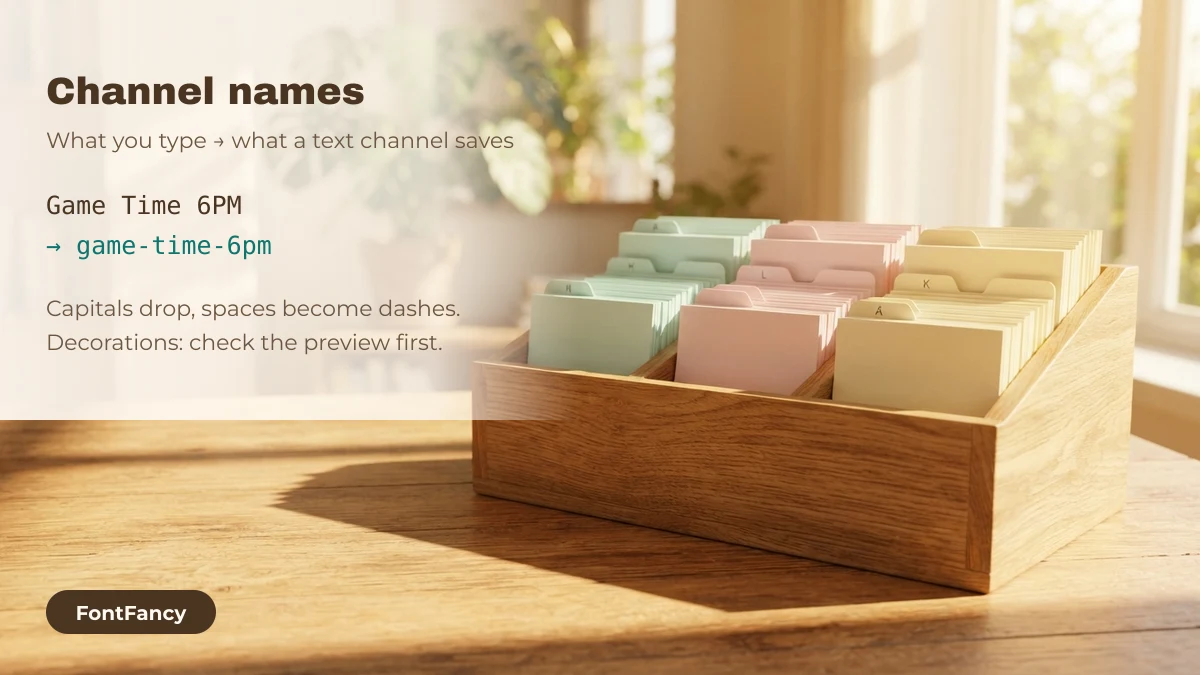
A text channel name is saved in lowercase with hyphens instead of spaces, so “Game Time 6PM” becomes “game-time-6pm”. That makes letter styles pointless in text channel names; what works is an emoji or symbol, a separator, and a short lowercase word — the pattern used below.
Ready channel names (20)
Separators to put between icon and name (22)
Swap the separator to give a whole server a consistent look. Thin vertical bars read cleanest in the sidebar; heavy ones draw the eye to one channel.
Decorated channel and role templates (22)
Longer patterns shared by server designers. Replace the sample word (rules, name, text) with your own. In a text channel, capitals and spaces inside them will still be converted, so these suit role names, voice channels and forum tags best.
Category headers and dividers
Categories group channels, and a decorated header or a divider line makes a long channel list scannable. Headers stay short; dividers are usually placed as a role or an empty category so they sit between sections.
Category headers (10)
Divider lines (19)
Role tags people read at a glance
A role name appears next to messages and in the member list, so it should be recognisable in a split second. One icon plus a clear word in bold sans or small caps beats a long decorated string; save heavy frames for one or two special roles. More frame pairs, and what each bracket character actually is, are in name frame symbols decoded.
Styled role names (12)
Community role templates (6)
Nickname and display name ideas
These 20 names are made for the 32-character display name and nickname fields. Each label shows the base word and the style, so you can recreate the look with your own name in the generator above.
Styled letters can take two code units each, so a name that looks short may count as longer in some systems. How Discord counts toward its 32-character limit is not documented in detail; if a name is refused, shorten it or drop the frame.
| Name | Code points | UTF-16 units |
|---|---|---|
꒰ ɴᴏᴠᴀ ꒱ | 8 | 8 |
✦ 𝓛𝓾𝓷𝓪𝓻 ✦ | 9 | 14 |
꧁ 𝕺𝖗𝖇𝖎𝖙 ꧂ | 9 | 14 |
🛡 𝗠𝗼𝗱𝗲𝗿𝗮𝘁𝗼𝗿 | 11 | 21 |
📜┃rules | 7 | 8 |
Two cautions from moderators’ side: heavy zalgo text in a nickname covers other people’s messages and is removed by many servers, and names that are hard to read make it hard to mention you. If you want the same look in a game lobby too, fonts for game names covers length limits there, and nickname fonts collects name styles that are not tied to one app.
Server name ideas
A server name shows on invites and in the server list, so a light touch reads best: one styled phrase and at most one symbol on each side.
Kaomoji and emoji for chat and status
Kaomoji are faces made of text characters, and they paste into any message or custom status. The label on each is the reaction it usually means. The emoji strings below them suit a custom status line or a channel topic.
Kaomoji reactions (16)
Emoji status lines (14)
Questions about Discord fonts
How do I copy and paste fonts into Discord?
Type your text into a fancy text generator, tap a style to copy it, then paste it into your display name, server nickname, role name or a message. The characters are Unicode text, so Discord keeps the style without installing anything.
Can I use a fancy font in my Discord username?
No. The unique username only accepts lowercase letters a to z, numbers, underscores and periods, 2 to 32 characters long. Put the styled version in your display name or a server nickname instead.
What does “` do in Discord?
Three backticks open a code block. Everything until the closing three backticks is shown in a fixed-width box and other Markdown inside it is ignored. One backtick on each side makes a short inline code snippet.
How do I change the font style on Discord mobile?
Discord has no font picker for other people’s view. On mobile you use Markdown in messages, and for names you copy a Unicode style from a generator in your phone browser and paste it into the profile or server nickname field.
Why did my text channel name lose its capitals?
Discord saves text channel names in lowercase and replaces spaces with hyphens. Decorate them with an emoji or symbol prefix and a separator instead of a letter style.
Checked on 14 September 2026: username and display name rules from Discord’s support article on new usernames; Markdown syntax from Discord’s Markdown guide; About Me and channel-name behaviour from Discord community forum reports. Discord is a trademark of its owner; FontFancy is not affiliated with Discord.